
CEMM Display
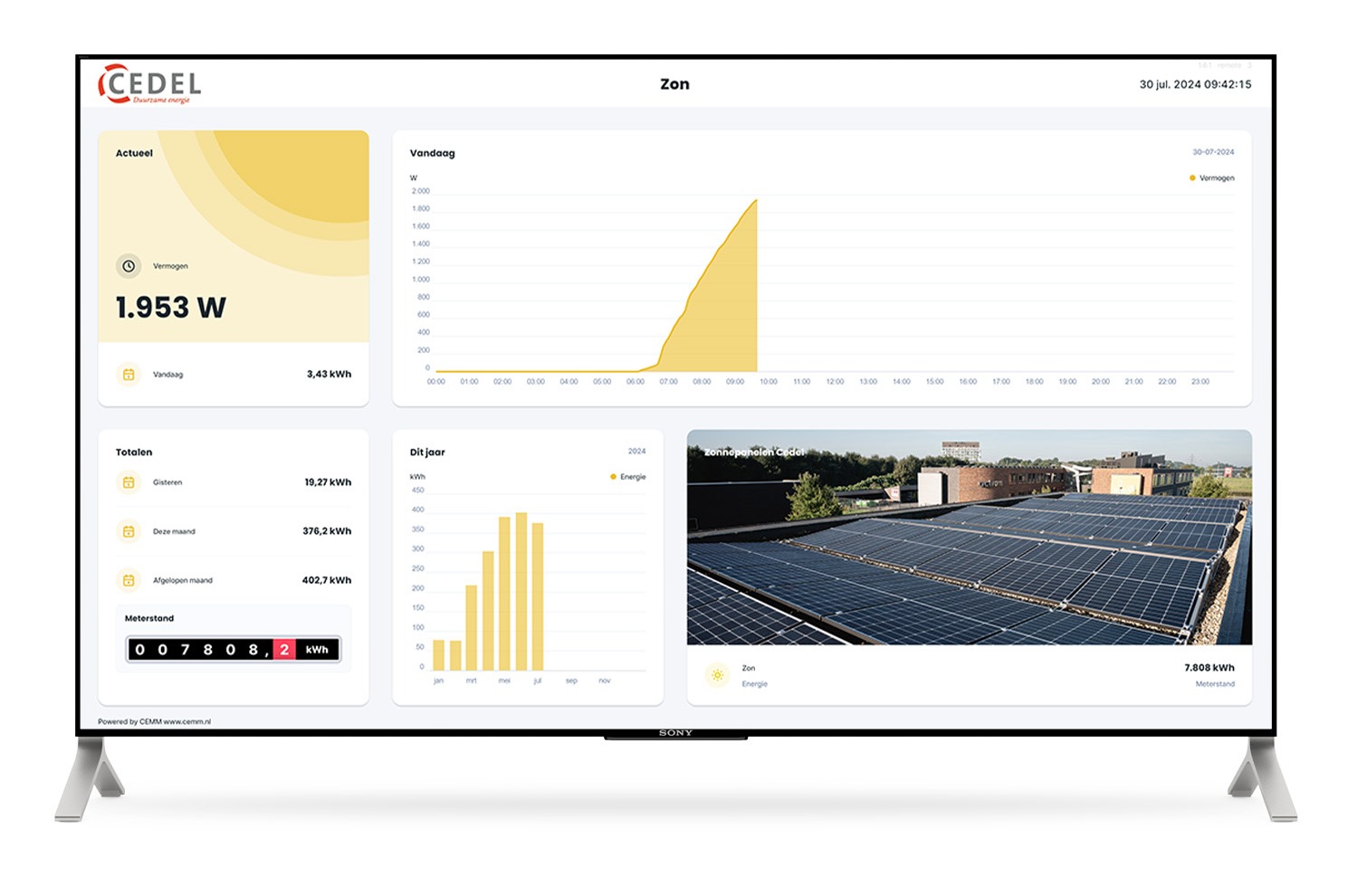
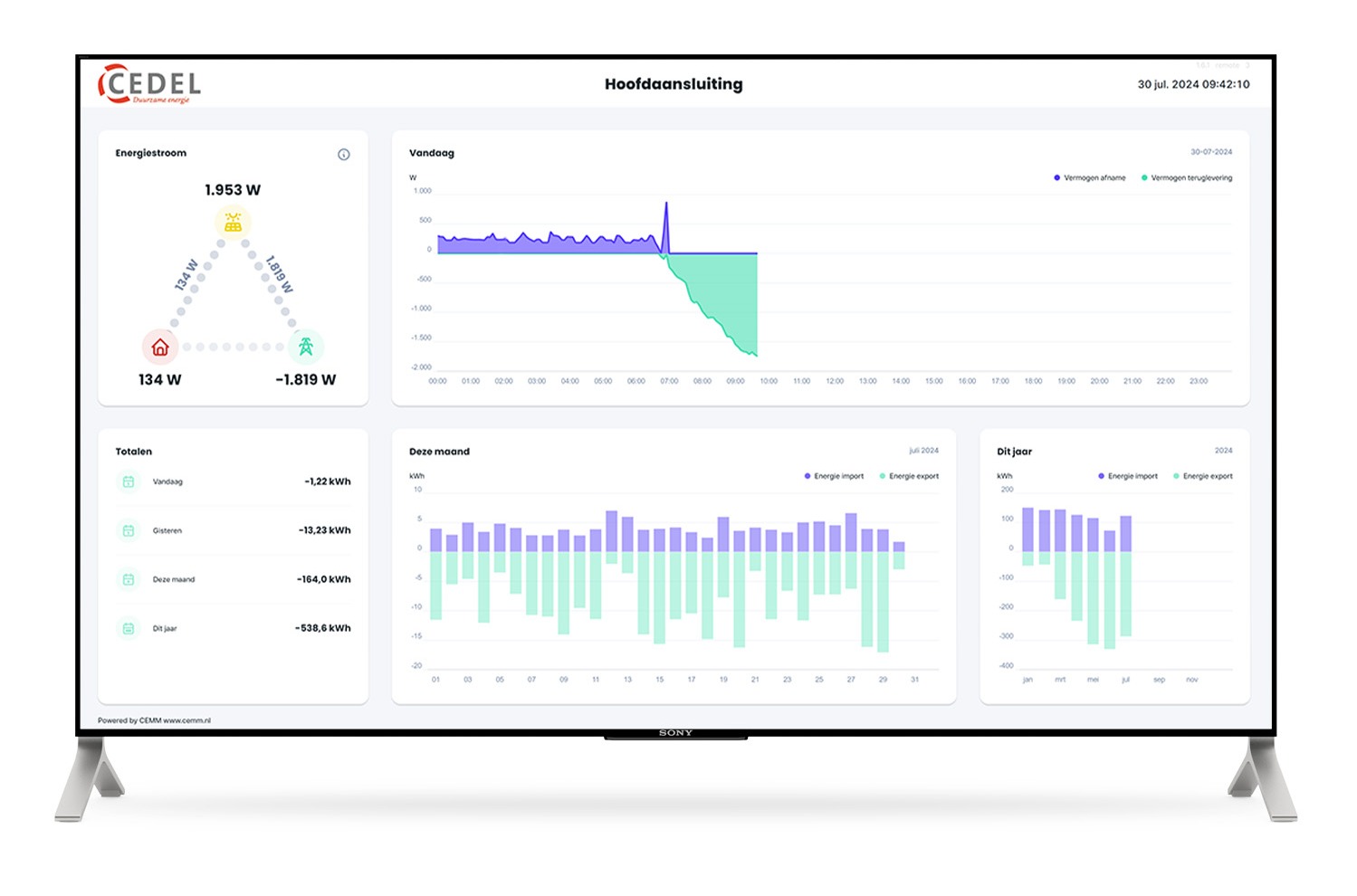
With CEMM Display, you can present the energy data from your CEMM on a large screen of your choice. Just like building a dashboard, you can fully customize your display with widgets. You can also easily add your own logo and create multiple pages. This makes CEMM Display suitable for use as a narrowcasting system.
Present your data
Present your energy data in an attractive way. For example, at the entrance of your business premises or campsite.
Personalize
Set your logo and create multiple pages that you can fill with widgets, photos, and text as you like.
Local or external
CEMM Display is available in local and remote variants. Choose the variant that best suits your needs.
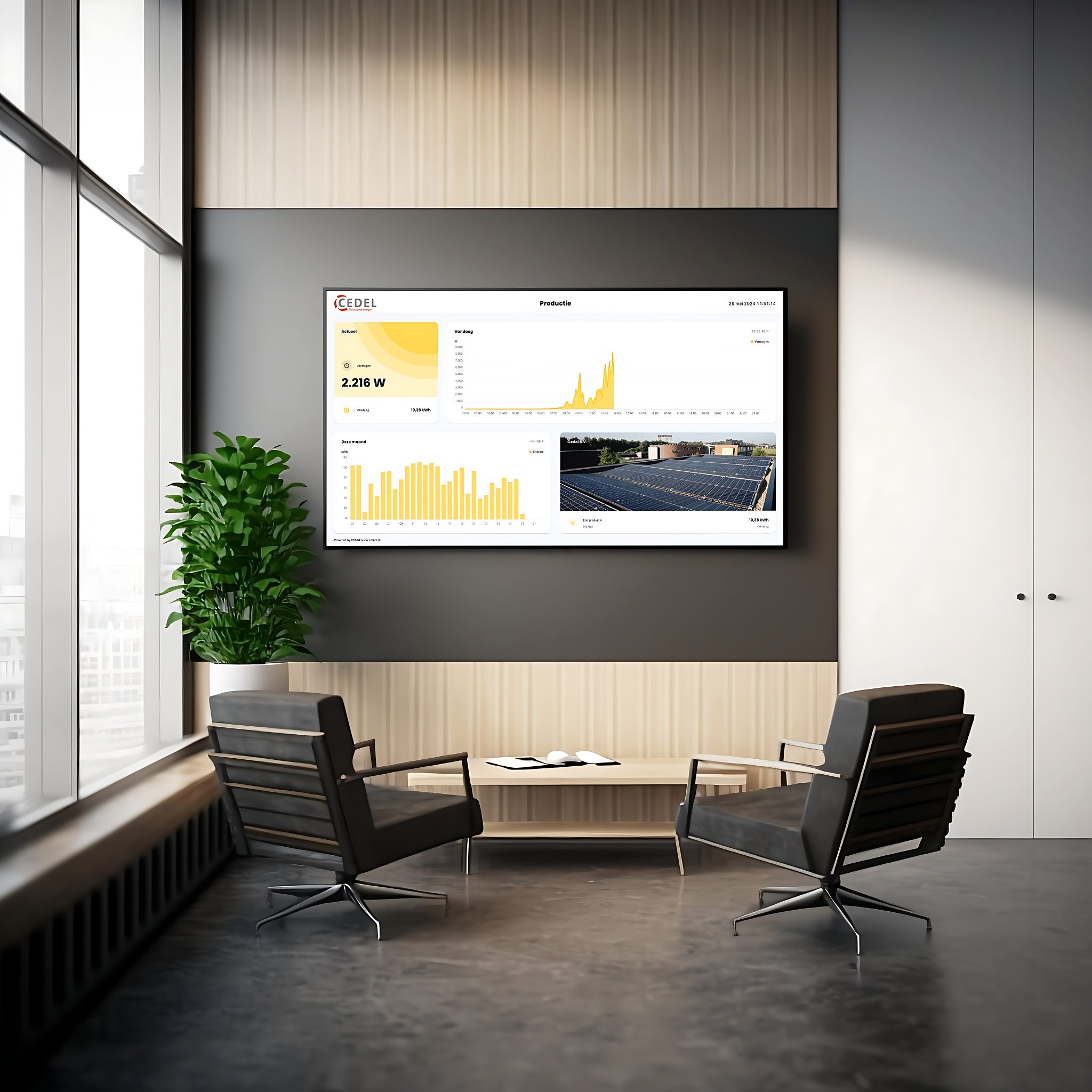
Present your data
Create beautiful overviews with energy data, photos, and text. Show everyone who enters your business premises how much energy you generate and store in your battery, or show campers a map and how much electricity is consumed on your pitches.
All about CEMM DisplayUse your existing screen
CEMM Display runs on a webpage. You can easily use your (existing) television screen. A modern browser is required.
For various situations
At the reception desk, the entrance to your business premises, the canteen of your sports club, or on the wall in your home: CEMM Display can be used anywhere.
Personalize
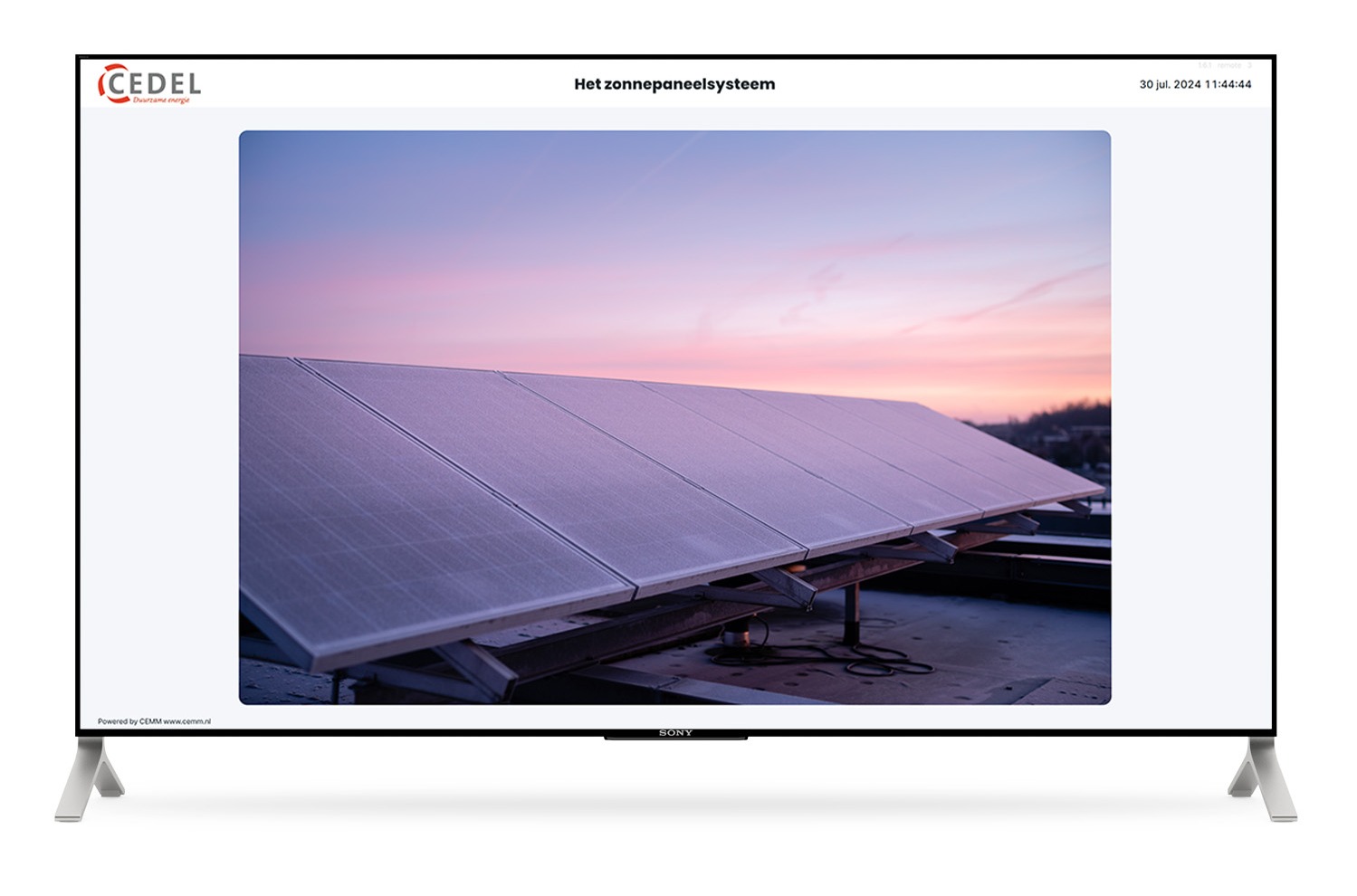
Set your logo and create multiple pages that change at a custom interval. Each page can be customized with widgets, photos, or a combination of these. For example, you can display your solar energy output next to a beautiful photo of your solar panel system, or your campsite's energy consumption next to the map and opening hours. These options also make CEMM display suitable for use as a narrowcasting system.
All about CEMM Display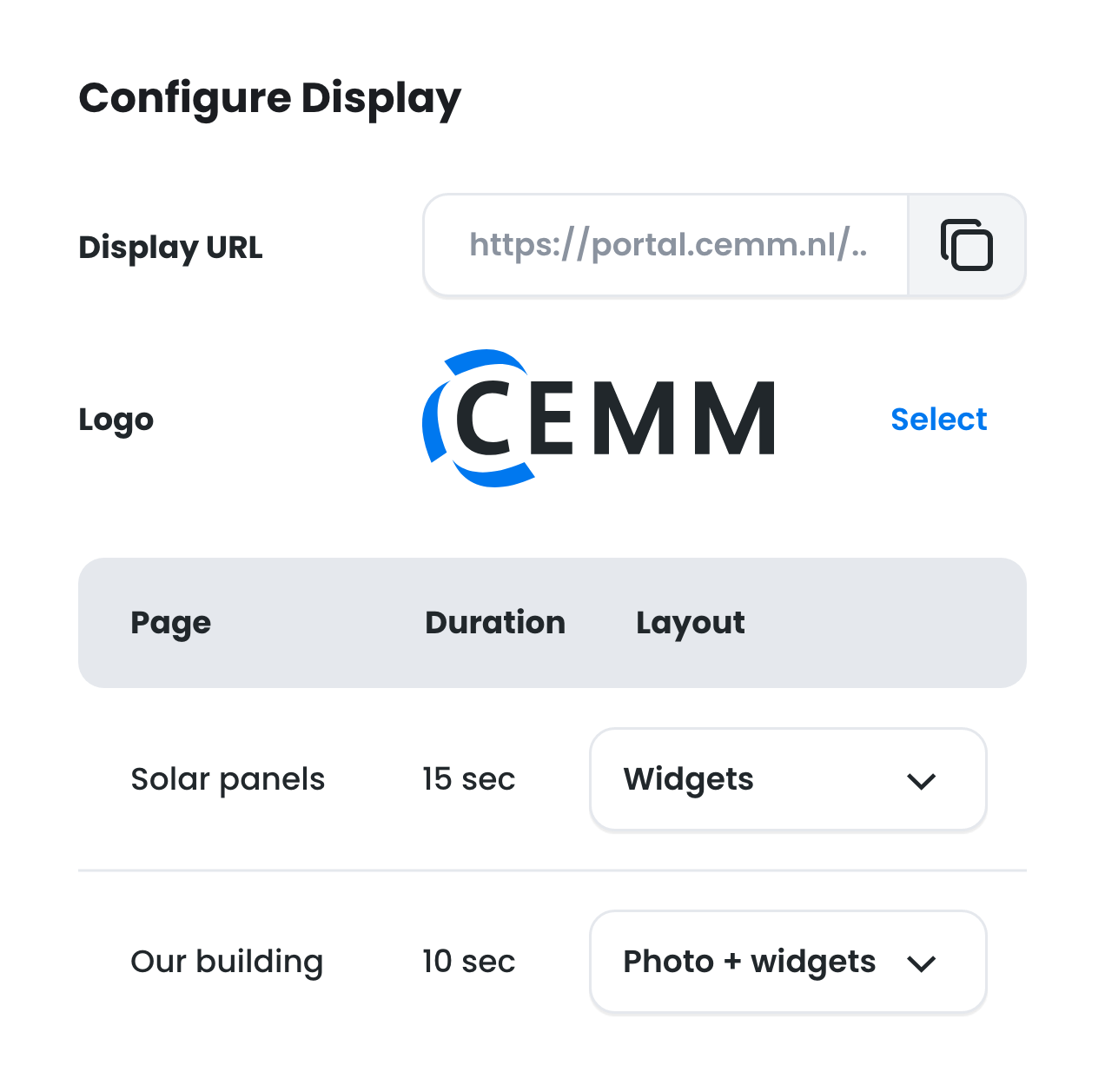
Your logo
Easily customize CEMM display to your corporate identity by adding your own logo and photos of your building, for example.
Multiple pages
Add multiple pages and set the interval for each page. This way, you can alternate energy data with photos, news, or opening hours, for example.
Contents
Each page consists of two rows and four columns that you can fill with widgets and photos as desired. Need inspiration? Use one of the presets.
Local or external
CEMM Display is available in two variants: Local and Remote. The local variant of CEMM Display runs on the CEMM itself and can only be viewed via the local network. The remote variant runs in the cloud and can therefore be viewed anywhere. Because we host your display in this case, the license is valid for one year and can be easily renewed afterward. You purchase the local Display once and can then use it indefinitely.
All about CEMM DisplayExamples