Build your own energy dashboards.

Choose from a wide variety of widgets and build one or more dashboards. This way, when viewing your CEMM, you'll immediately see the energy data that's important to you.

Visual editor

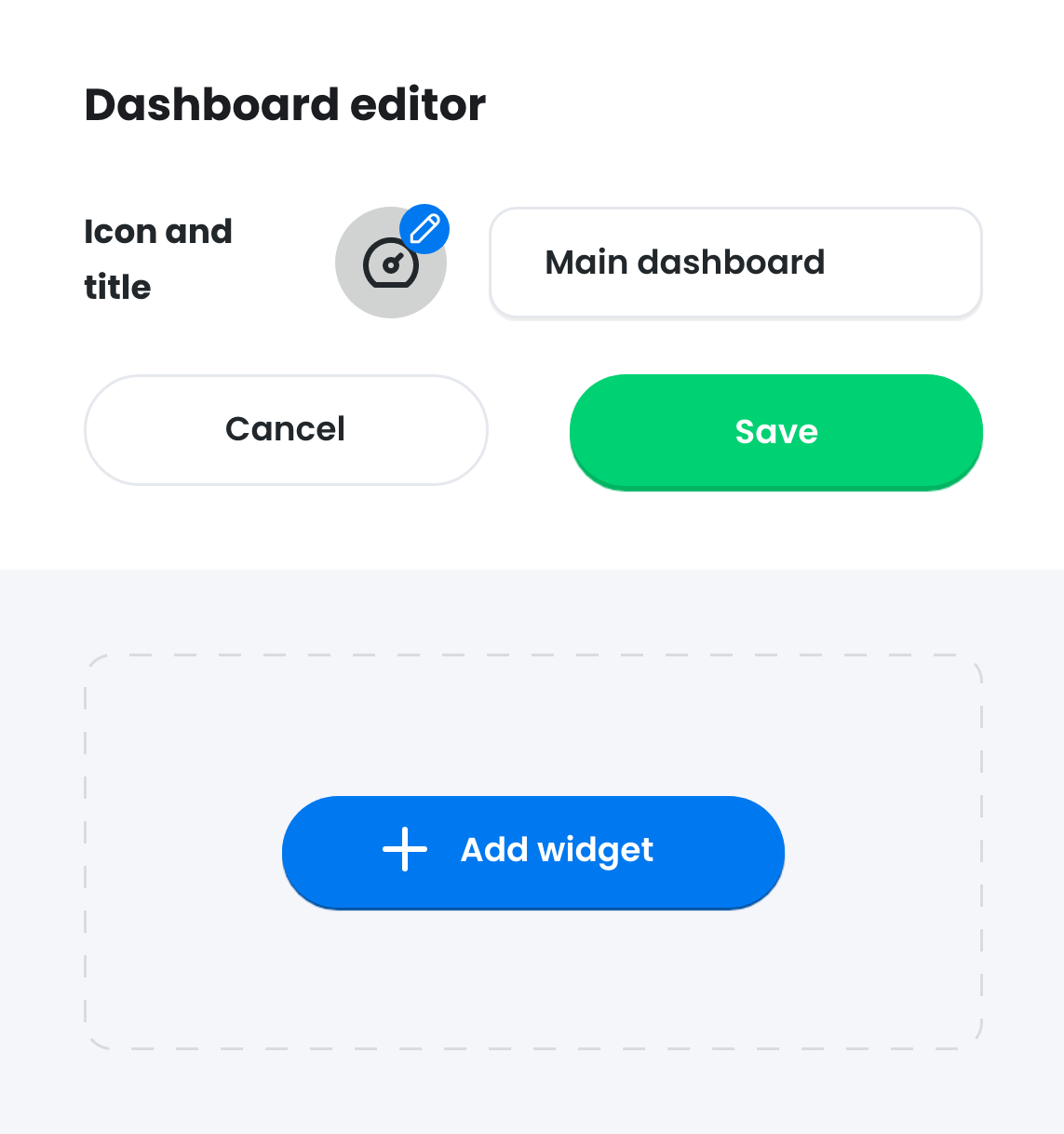
Use the visual dashboard builder with a wide range of widgets to create your dashboard.

Multiple dashboards

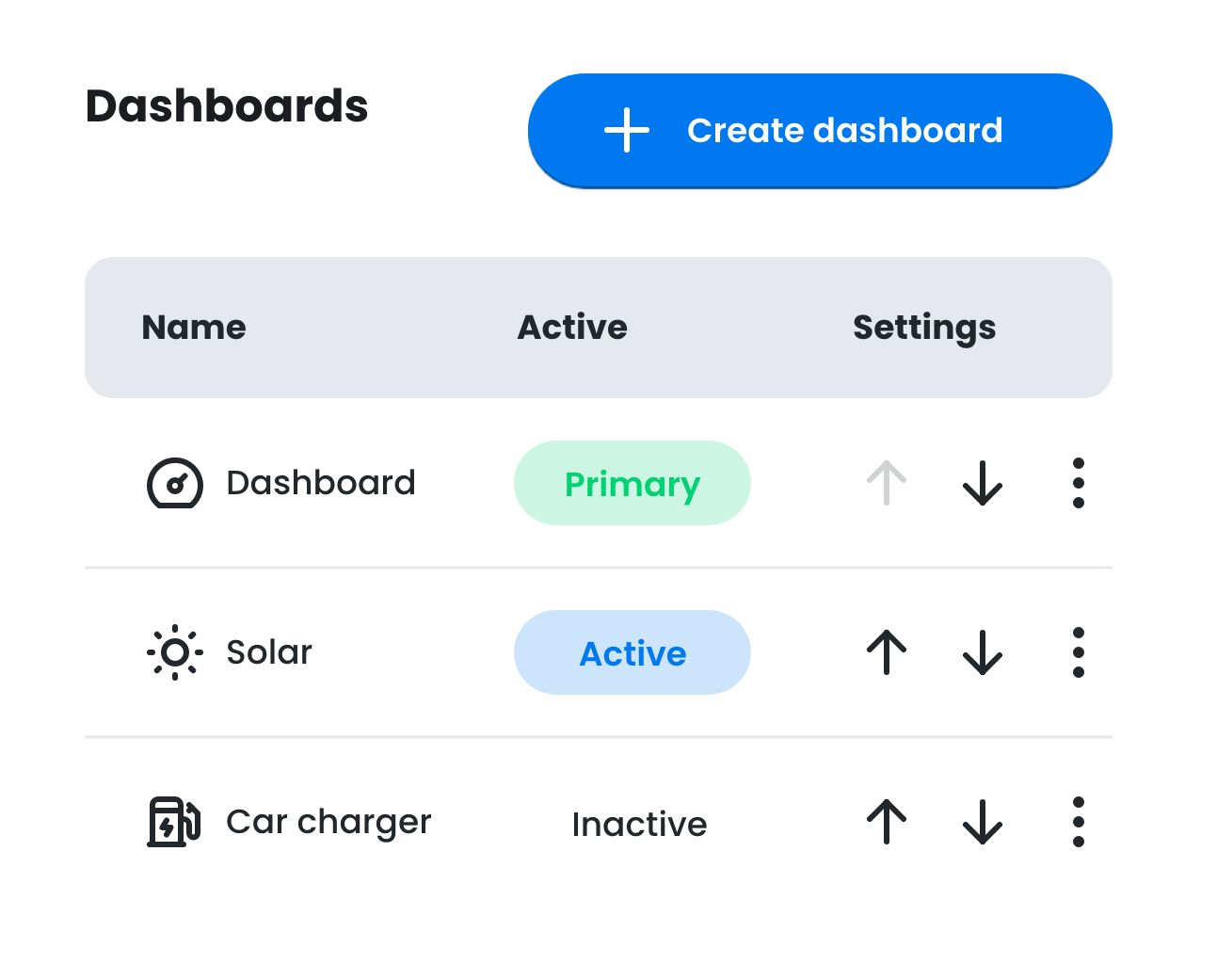
Build multiple dashboards specifically for different situations, such as consumption and production dashboards.

Auto generate

Out of inspiration? Let your CEMM automatically generate a dashboard based on your meter configuration.

Dashboard editor

Visual editor

The visual dashboard editor makes it easy and clear to design your dashboard. You can choose from 25 different widget types. The canvas has a width of three columns and an unlimited number of possible rows. This gives you the freedom to build a suitable dashboard for virtually any situation.

All about Dashboards

Available widgets

Choose from up to 25 available widget types, such as charts, data overviews, analyses, photos and many more.

Customize widgets

When adding a widget, choose what data is displayed. For example, the current grid voltage or your current energy consumption.

Combinations

The amount of widgets and space available allows for an almost infinite number of combinations.

Multiple dashboards

Want to combine data for different situations? Build multiple dashboards that you can easily switch between. This way, you can create different overviews for your solar panels, for example, or your energy consumption.

All about Dashboards
Multiple dashboards
Generate

Auto generate

If you don't use the custom dashboard builder, CEMM will automatically generate a dashboard based on your meter configuration. You can edit the dashboard later, or create a new one.

All about Dashboards

Available widgets

Below you'll find some of the available widgets. Most widgets can be used with different types of meters and can therefore change depending on the type of data being displayed. You can also set the width of certain widgets (1/3 wide, 2/3 wide, or full width).

Welcome widget

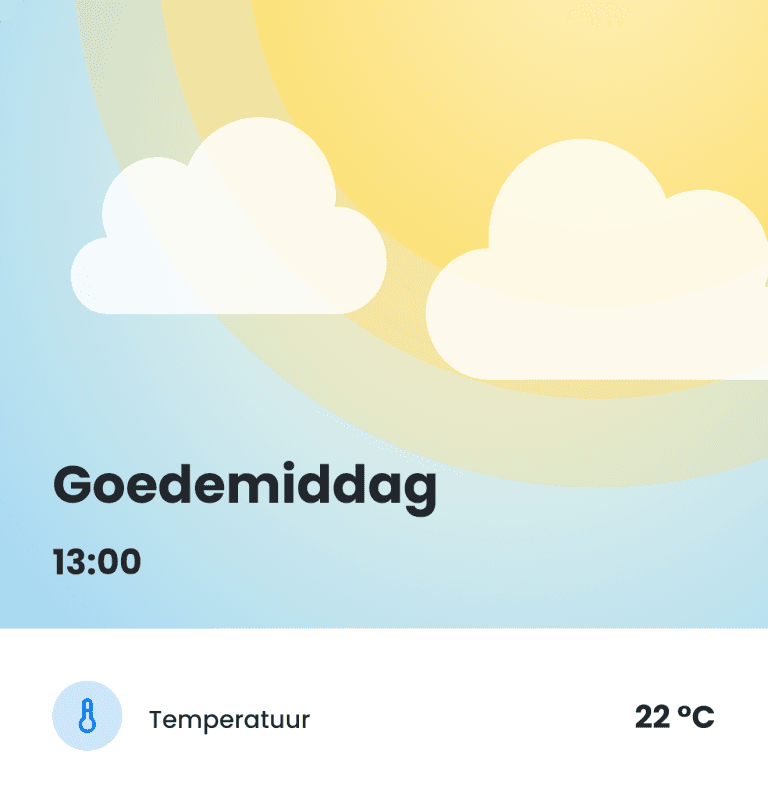
Welcome widget

Displays an animated welcome message and optionally a meter value.

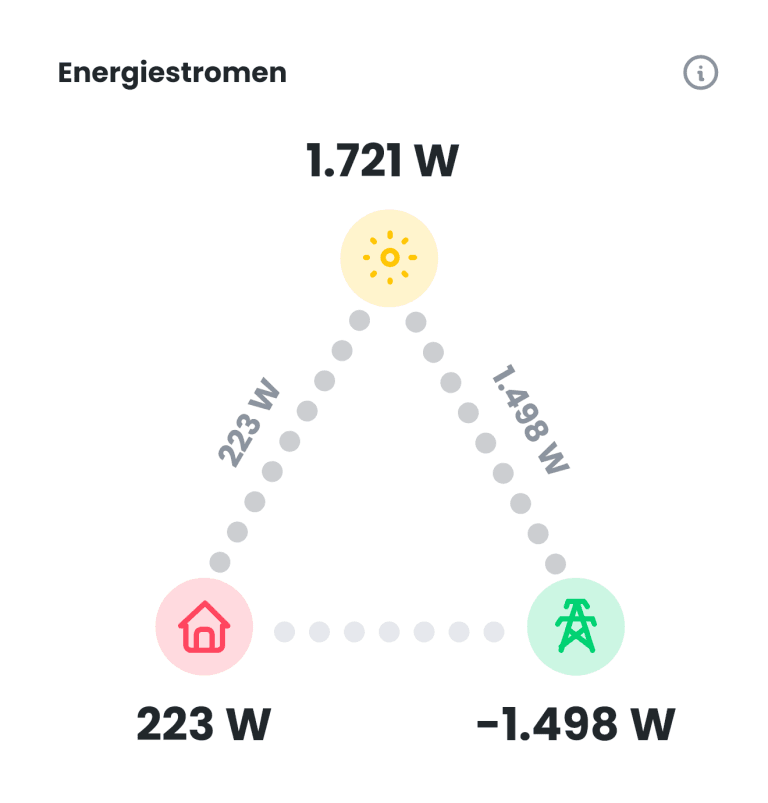
Energy flow widget

Energy flow

Displays the current energy flow in the building.

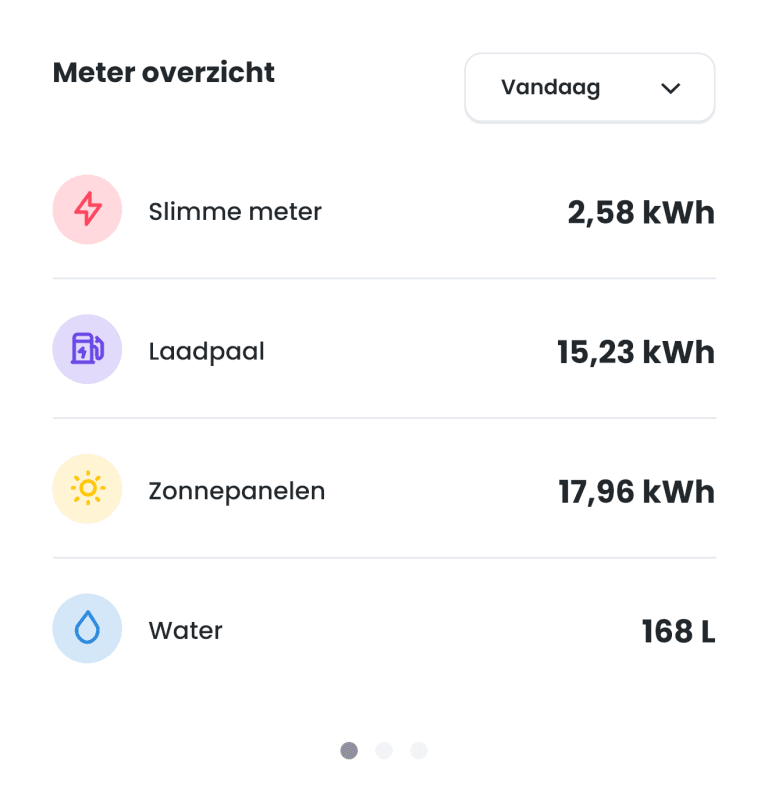
Meter overview widget

Meter overview

Shows the values of all connected meters (or a selection).

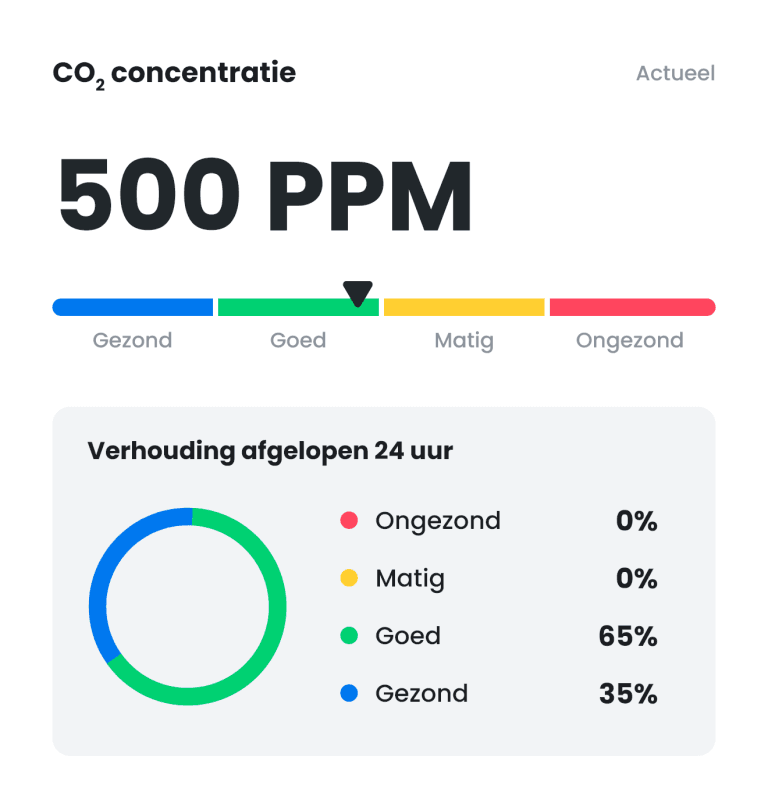
Value range widget

Value range

Shows for four adjustable ranges how many days the value fell within each range.

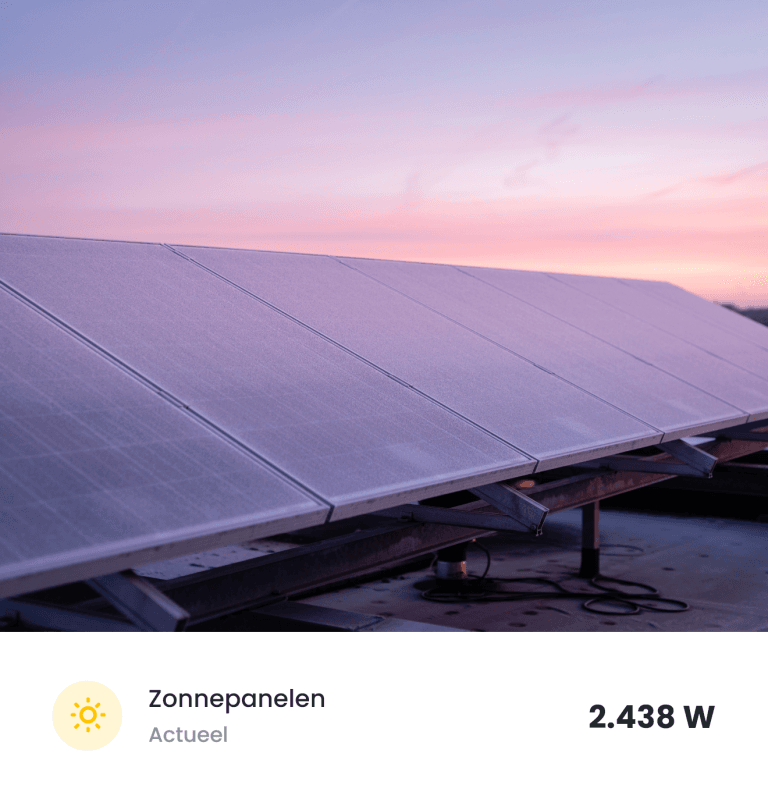
Photo widget

Photo widget

Add an image with an optional title and a meter value.

Sustainability widget

Sustainability

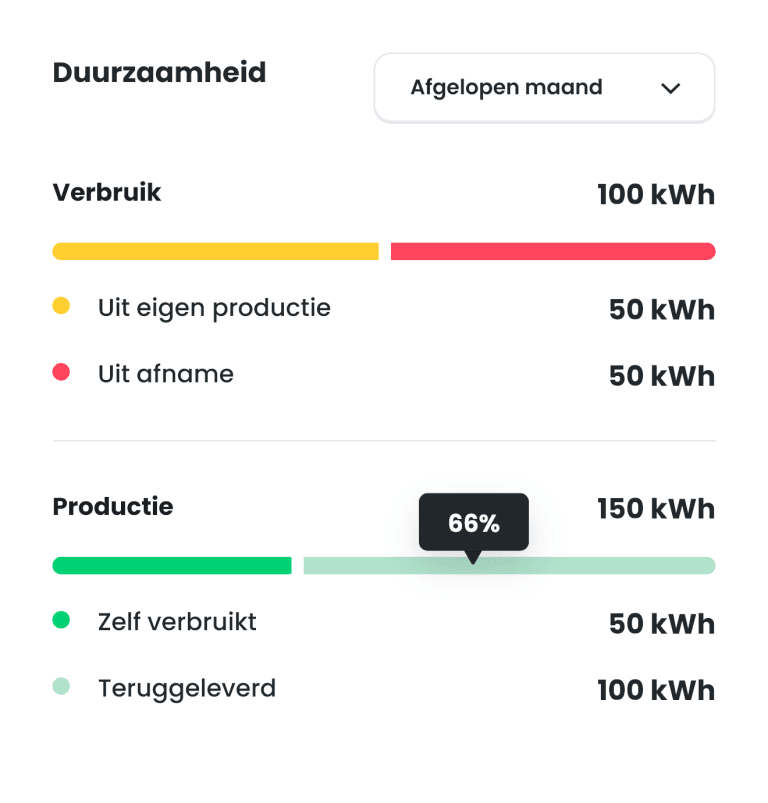
Shows how much of your solar production you consume yourself and how much you feed back into the grid.

Voltage widget

Voltage

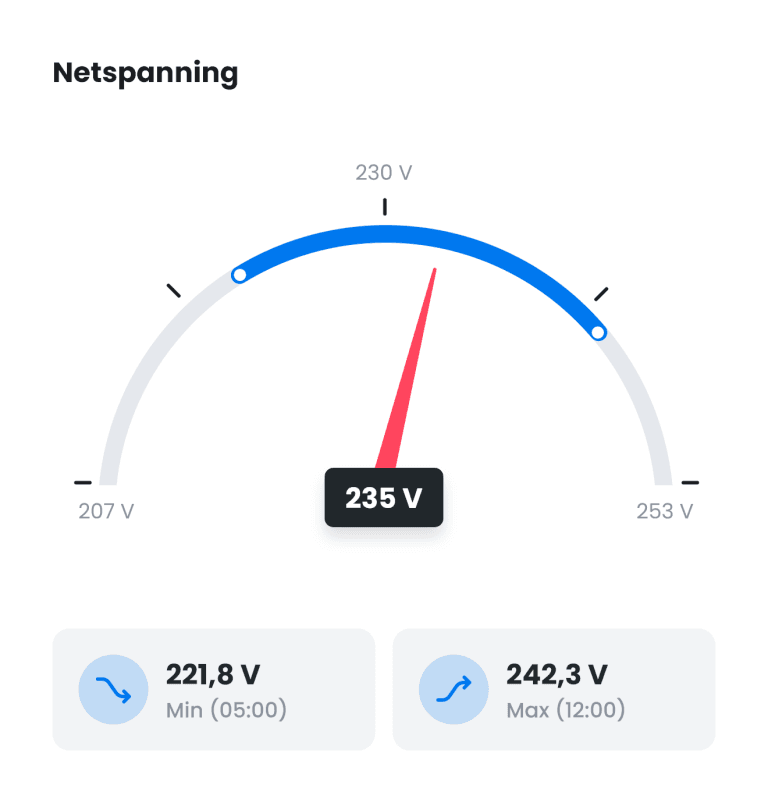
Displays the current voltage and the highest and lowest voltages of the last 24 hours.

Realtime channel widget

Realtime channel

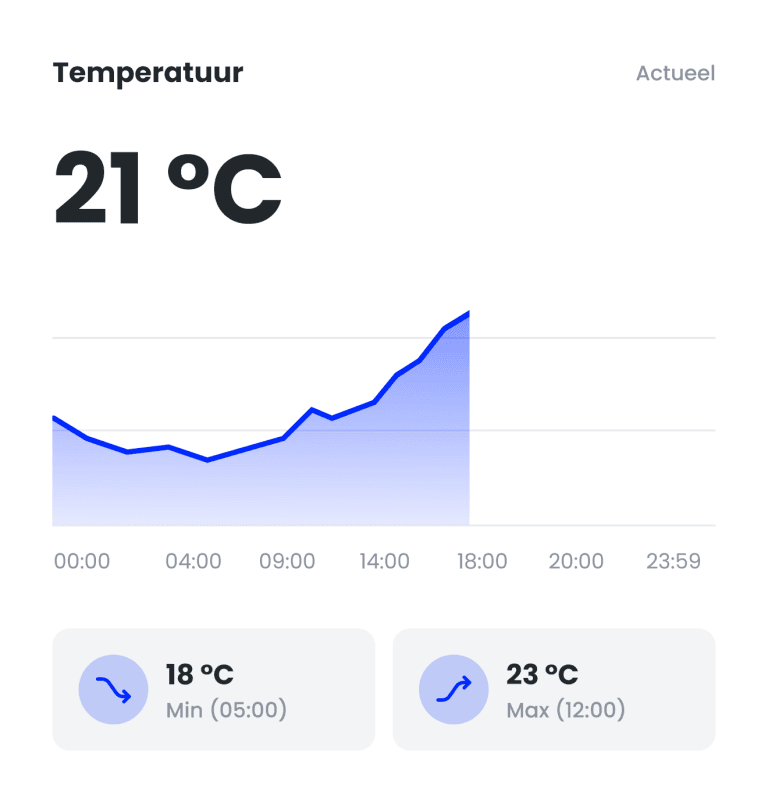
Shows the current value with a line chart of the last 24 hours with the min and max.

Meter widget

Meter

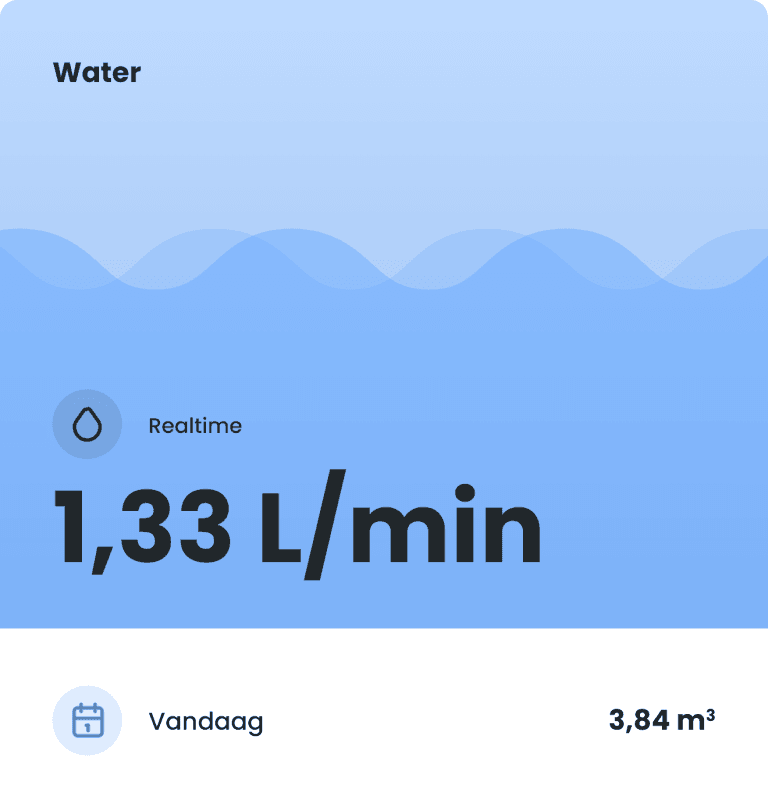
Shows the current value of a meter with animation (depending on the meter type) and the daily total.

Meter readings grid connection widget

Meter readings grid connection

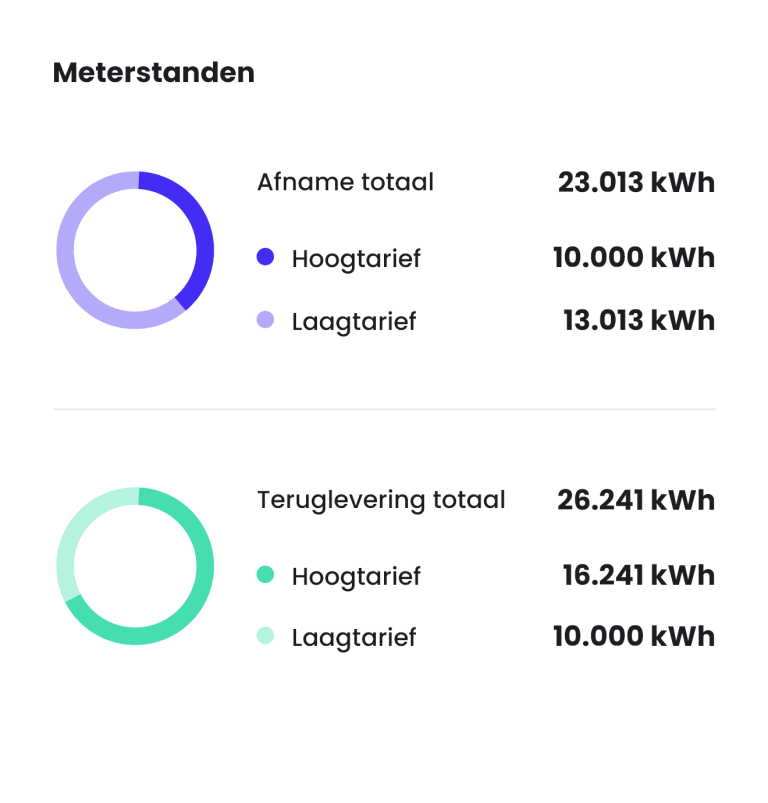
Shows the meter readings of your grid connection, split into consumption and return.

Totals widget

Totals

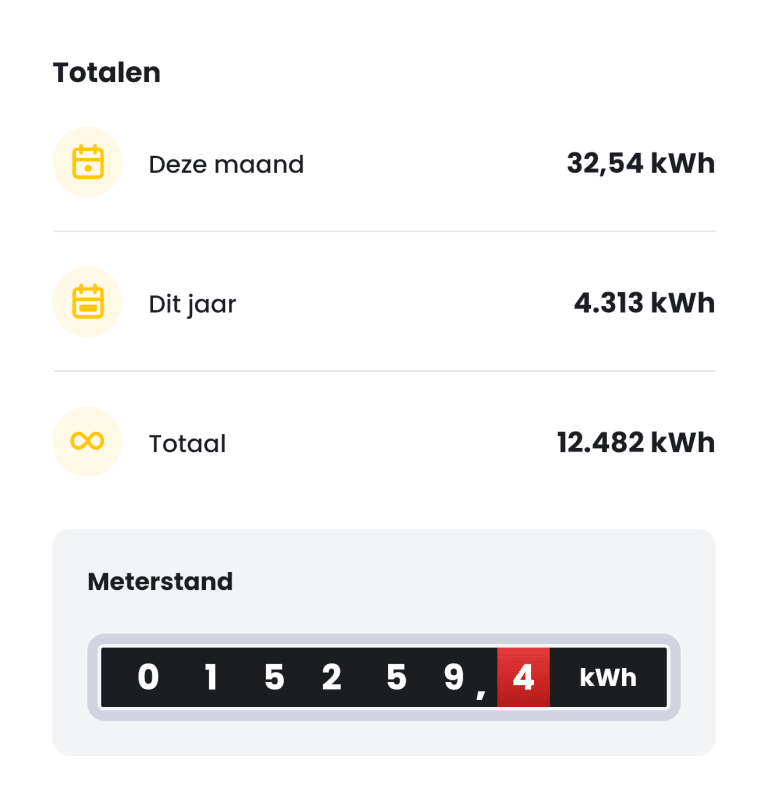
Shows total consumption or production of different periods and the meter reading.

Energy distribution widget

Energy distribution

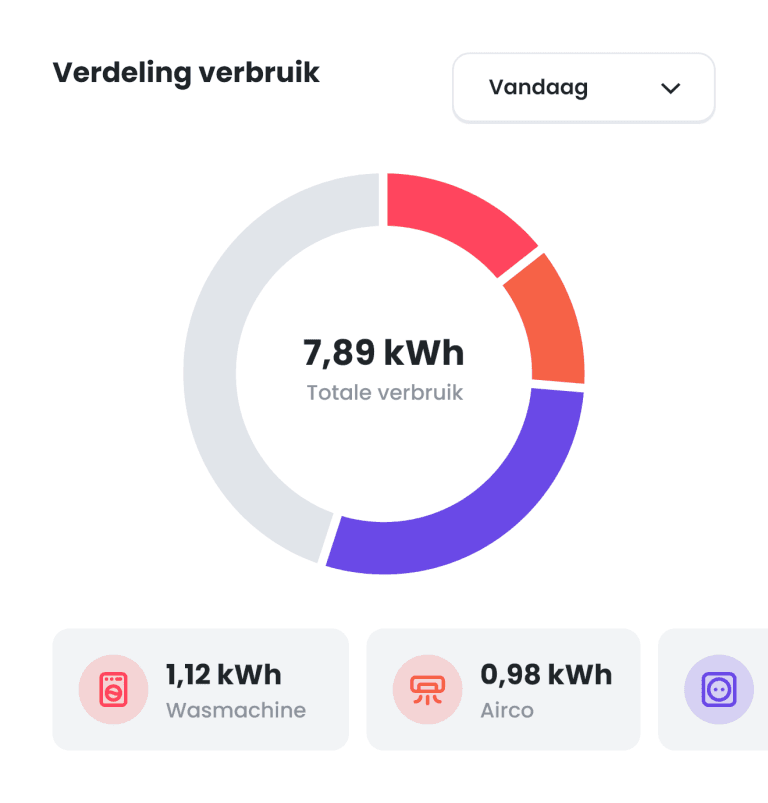
Shows the ratio of your total consumption compared to your individual meters.

Wind widget

Wind

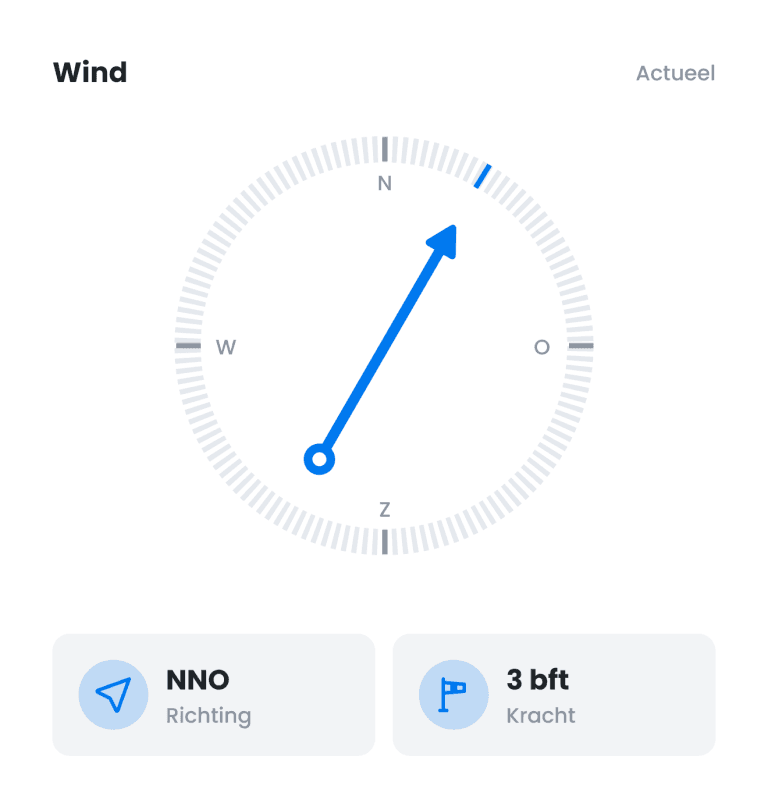
Shows the current wind direction and wind speed.

Graph widget

Graph

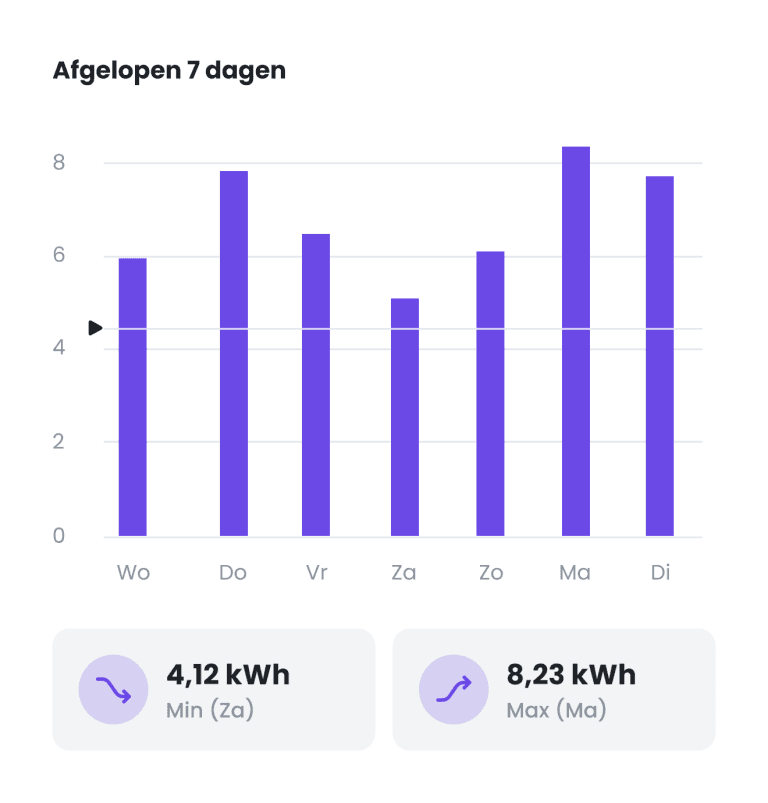
Display a line or bar chart of a meter over a period of your choosing.

Guage widget

Guage

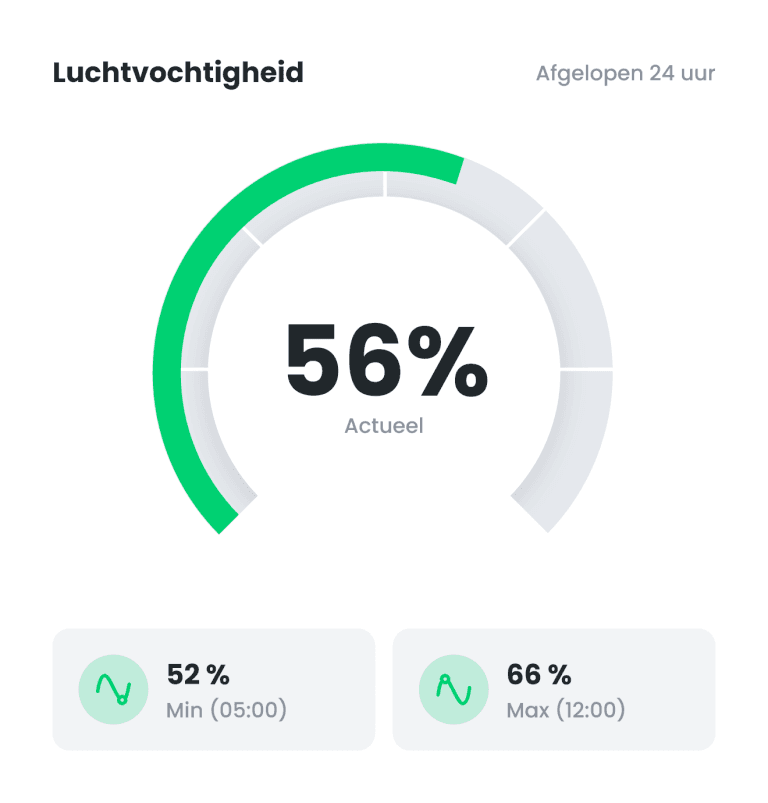
Displays a current value on a scale of 0 to 100%, and a min and max of the last 24 hours.