
Changelog CEMM update 1.14
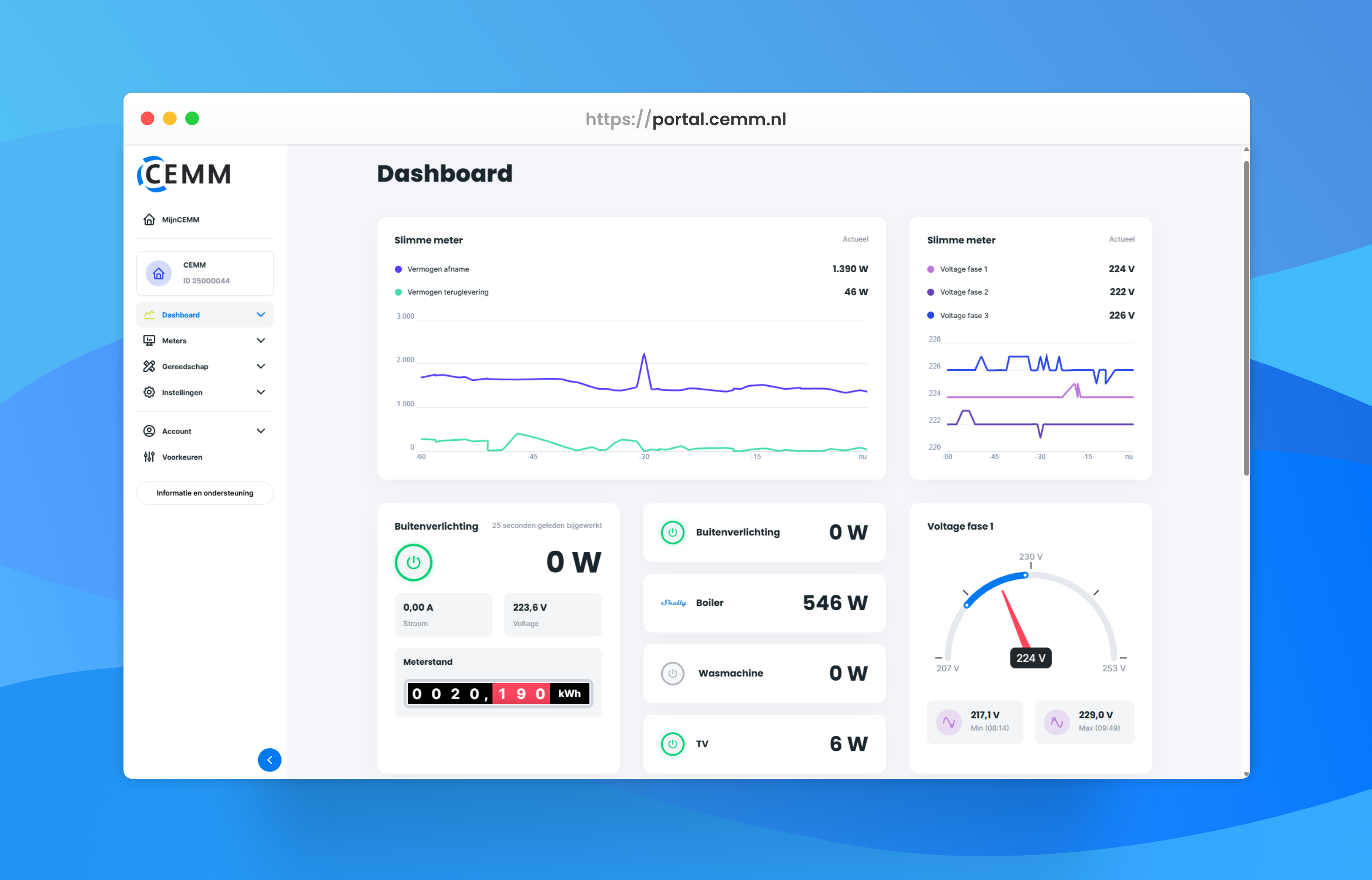
Update 1.14 has been released; it will be automatically installed on your CEMM 3.0 shortly if you have automatic updates enabled. You can install the update immediately by manually checking for updates.
Tip: Create a backup regularly. You can do this via Settings > Backups. The backup can be saved to a USB stick or an FTP server such as a NAS. More information.
Changelog
New
- Shelly support expanded. Previously, the CEMM only supported a few specific Shelly devices; from now on, support is based on the "components" present in the Shelly. The CEMM supports: Switch , PM1 , EM1 + EM1Data , EM + EMData . With this, we support all Shelly devices from Gen 2 and newer that can be used for energy monitoring. For Shelly Gen 1, we only support the plug.
- Shelly settings page added (Settings > Shelly). This displays all Shellys found on the network and/or connected to the CEMM. Shellys already being read by the CEMM continue to work, but are not "connected" via the new system.
- Shelly readout via MQTT. Shellys added using the new method can also be read out via MQTT. This ensures faster communication.
- "Shelly switching widget" added for displaying and switching a Shelly relay (all Gen 2 or higher Shellys with a Switch component are supported). First, pair a suitable Shelly via Settings > Shelly, and then add the widget. For this widget, it is not necessary to also add the Shelly as a meter to the CEMM.

- "Shelly power overview widget" added. This widget displays the current power for up to 4 Shelly devices and, where applicable, a button to turn the Shelly on/off. For this widget, it is not necessary to add the Shellys as meters to the CEMM as well.

- "Live graph widget" added. This is a graph that displays data for one or more channels as soon as it comes in. For a DSMR 5.0 smart meter, data comes in every second; for other meters, this is usually every 10 seconds.
- "Peak consumption warning" notification added. This notification works with the maximum consumption peak data coming from Belgian digital meters. The CEMM predicts the average power for the quarter-hour every minute; if that prediction exceeds the current maximum, a notification is sent. https://wiki.cemm.nl/tools/notifications/#vermogenspiekwaarschuwing
- 5 and 10 minute intervals have been added. These must be enabled per CEMM via Settings > System > Advanced settings. The 5 and 10 minute intervals can then be used in: notifications, some widgets, webhooks, PVOutput.org, and the status endpoint of the open API. In exports and in the time series endpoint of the open API, both intervals can also be used without activating them.
- An MQTT broker can be activated on the CEMM via Settings > MQTT. This starts a Mosquitto broker that runs on the CEMM. The broker is intended to allow several devices in a home network to communicate with each other (and the CEMM). The broker has no password or TLS.
- Added multiplier setting to DSMR Output.
- Expressions in Modbus registers. https://wiki.cemm.nl/settings/meters-modbus-custom/#berekende-registers-expressies
Changes
- The current value of a channel is now cleared if no new data has been received for 5 minutes. Previously, the last known value remained until, for example, a restart of the CEMM.
- Colors and text in sustainability widget adjusted for consistency.
- Optimizations in the recalculation of minute data.
- Improved reading of smart meters to better handle signal interference and better timing to enable the Live graph widget.
Bug fixes
- The statistics next to the graph were not shown for adjusted periods that lie partly in the future.
- Restoring to factory settings skipped the configuration in many cases.
- Exporting meter readings from a meter whose readings have been reset (such as when replacing a smart meter) returned duplicate values per line.
- The open API status endpoint returned an error message in certain cases where no data was available.
- The open API timeseries endpoint returned an (empty) record too many at the beginning of the series in certain parameter combinations.
- On an automatically generated dashboard, an energy distribution widget was displayed in certain cases that gave an error message. This has been resolved by not automatically adding meters without an energy channel to the widget.
Screenshots