

Changelog CEMM update 1.15
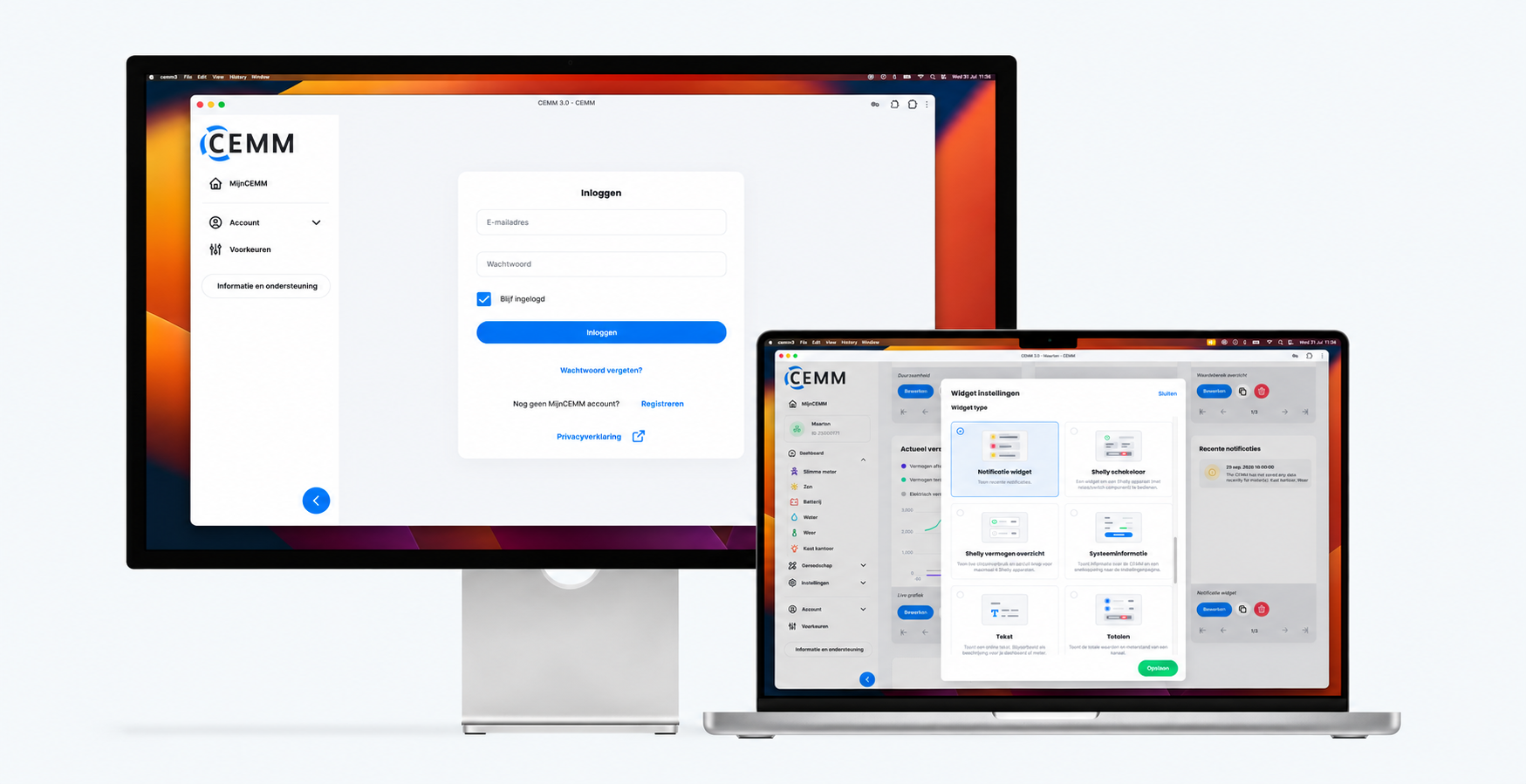
The rollout of 1.15 has begun. Over the course of this week, the update will be installed on all CEMMs where beta updates are enabled. We expect the rollout to be expanded to all CEMMs next week. Around this time we will also update the IOS and Android app.
Tip: Create a backup regularly. This can be done via Settings > Backups. The backup can be saved to a USB stick or an FTP server such as a NAS. More information.
Changelog
Login & security
- Multi-factor authentication (TOTP) added to the portal and the app.
- Overview of active sessions added, with the option to log out of individual sessions or all sessions. (see Account > Profile)
- It is now possible to change your username.
- Password strength indicators added where new account passwords are entered.
- Logging in with a username is disabled; you can only log in using an email address and password.
New
- Notification widget with recent notifications.
- HTTP Client module: With this module, you can periodically retrieve data from an HTTP API that returns JSON. Authentication via Basic, Bearer, or an API key is supported. Using JSONPath and expressions, you extract values from the response to log them.
- Added support for Modbus RTU via TCP gateway (to be configured when creating a new RTU bus).
- Reset button added to Preferences > Period breakpoints.
- Warning added to the CEMM overview for CEMMs running on an outdated software version.
- The Settings > System page now shows how heavily the CEMM is being loaded. You can see the CPU and memory usage, the data processing time, and the number of meters, channels, and interfaces, each compared to the recommended maximum. If one or more limits are exceeded, a warning is also displayed on the Settings > Meters page.
Changes
- Minimum length and strength requirements added for new passwords.
- From now on, the "Support" feature will be automatically disabled 14 days after being enabled. On CEMMs where this feature is enabled during update 1.15, it will also be disabled.
- Setting registry options for Modbus RTU, Modbus TCP, and MQTT registers now also takes calculated registers into account, resulting in, among other things, better loading of JSON configurations than before.
- The "Current channel" widget now also displays a min and max for DERIVED channels, based on the displayed graph.
- It is now possible to delete all types of channels. In previous versions, this was only possible for DERIVED and TRANSIENT channels.
- MQTT error handling improved. When the protocol is set to 5, but the broker does not support it, it now automatically reconnects with protocol 3.1.1.
Bug fixes
- Time series in the COUNTER public API channels with resolutions
5minutes10minutes15minuteshour - Since the previous update, gas reading from the smart meter no longer worked in the case of older smart meters (this has already been resolved on 04-06-2026 via an alpha update).
- After changes to a device's registers, the device was shown twice in the list on the meter detail page.
- In certain cases, both the "success" and the "failed" notification were sent after a successful backup.
- For Modbus meters created via the SunSpec scan, the scaling factor was fixed, whereas for some inverters it is dynamic. From now on, (calculated) registers will be added to keep the scaling factor dynamic.
- Shelly data were published twice in some cases.
- When resetting export settings, the end time was set to the start time.
- With a local connection to a CEMM (and with a local display), the connection was sometimes not restored if it was disconnected immediately after connecting. This is now restored automatically.