

Changelog CEMM update 1.5.0
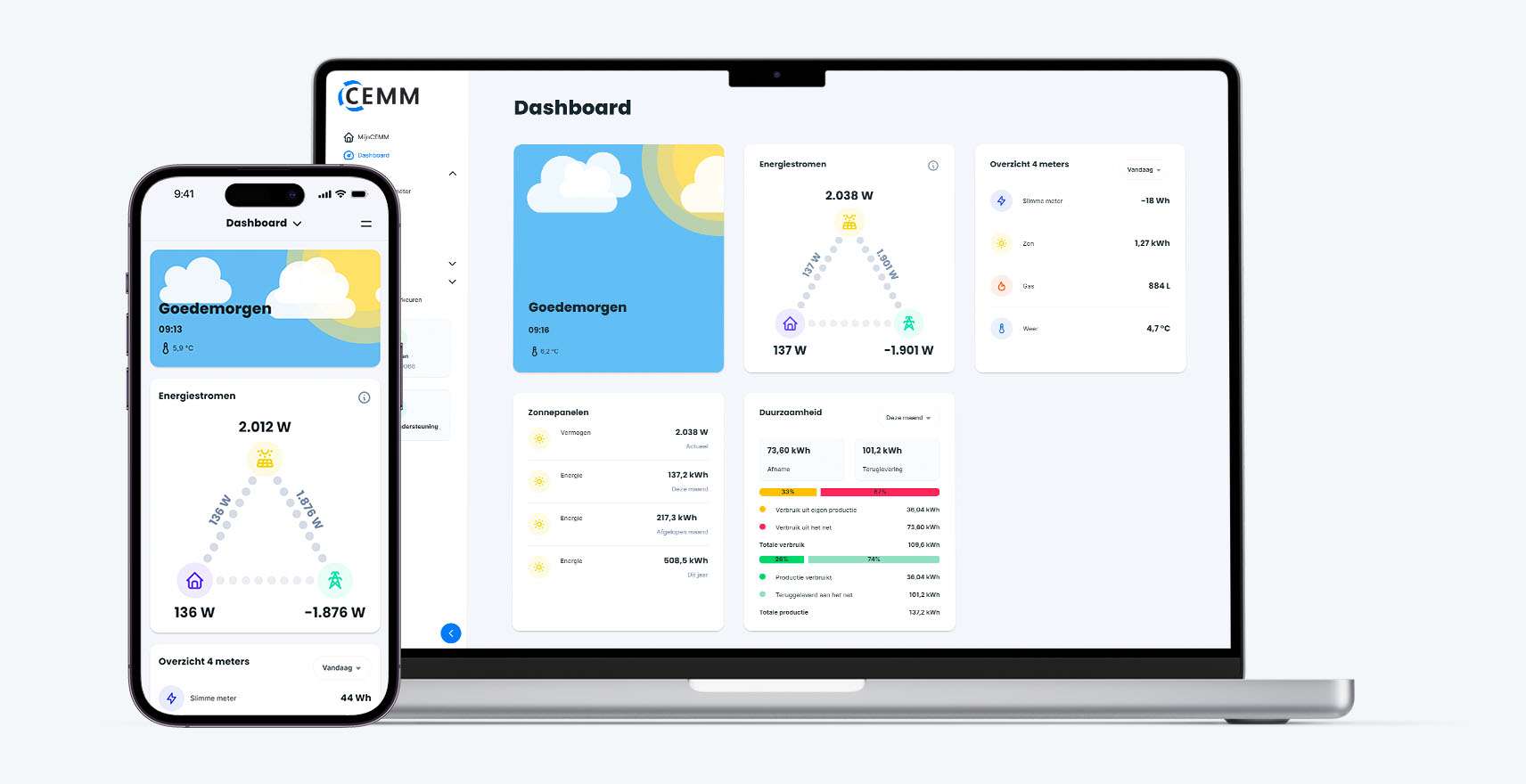
Update 1.5.0 for the CEMM has been released. This update contains the following changes and additions:
Changelog
- New widget with energy flows added.
- A "Balance" tab has been added to the smart meter totals widget. The default tab can be configured in the dashboard editor.
- The default period of the Sustainability widget is now configurable.
- The "Channel Value List" widget has been updated to also display the meter name (if multiple meters are in the same widget) and the time period (if multiple time periods are in the same widget). This makes the widget more informative and easier to read.
- Charts in widgets now update automatically every 5 minutes. This is useful if you keep your dashboard open for a long time.
- It's now possible to have multiple dashboards active simultaneously. The menu allows you to easily switch between the various active dashboards. The primary dashboard is always at the top, and you can customize the order and icons of the dashboards.
- Mobile only : On the dashboard and gauge pages, the title has been replaced by a dropdown menu for quick navigation between dashboards and gauges.
- Added missing unit and rounding in notifications.
- Downloading larger exports (>1MB) via the portal has been enabled. A message will now be displayed for exports that are too large.
- When adding a meter, the icon and color can now always be chosen, regardless of the meter type.
- Added some new icons.
- PVOutput.org webhook expanded with the following (optional) data: energy consumption, power consumption, and temperature.
- PVOutput.org webhook first sent an average of the production power, which is corrected to the sum of the power.
- PVOutput.org webhook settings include a button to automatically select channels. This will, in most cases, automatically select the correct production and consumption channels.
- Fixed issue with Save button off-screen when viewing a long list of rate values.
- It is now possible to move a device between (supported unused) ports. For example, a pulse meter from Port 1.2 to Port 2.1.
The update will be installed automatically if you have enabled automatic updates on your CEMM (default).