

Changelog CEMM update 1.8.0
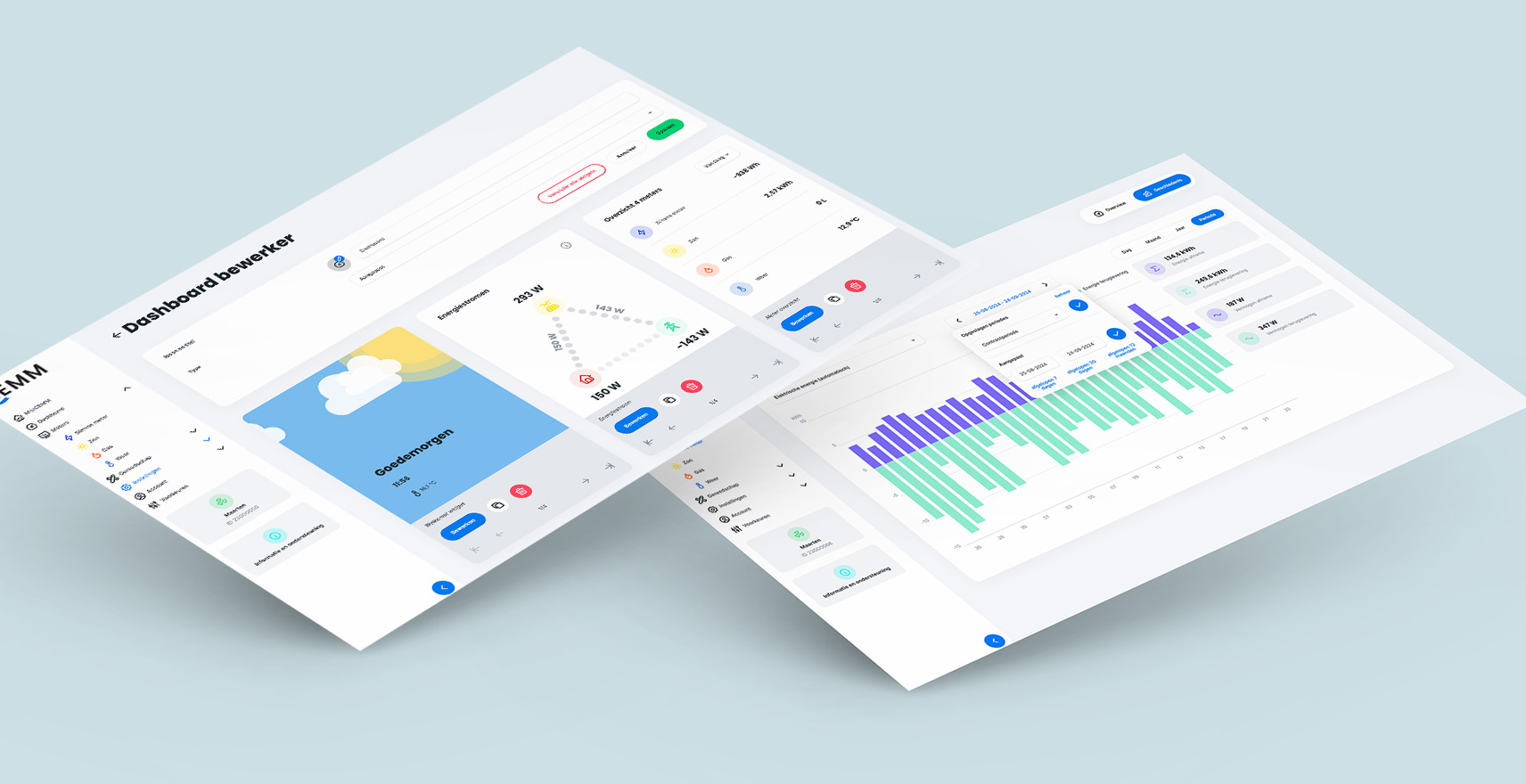
Update 1.8.0 for the CEMM has been released. This is another major update with several major and minor changes.
Changelog
- The "Overview" page for a meter can now be customized (via Settings > Meters, Advanced Settings > Customize Overview). This makes this page, just like the dashboard, fully customizable.
- The dashboard editor has been updated to include a live preview (without interaction) of all widgets. This makes editing a dashboard easier and more visual.
- DLMS module added for reading smart meters via the optical DLMS port in combination with a DLMS sensor.
- Chart widget extended with periods “Last 24 hours”, “Last 30 days” and “Last 12 months”.
- Added option to chart widgets to show legend as: default, minimal, popup, hidden.
- Fixed an issue that made exports in JSON format work again.
- It is now possible to adjust the pulse ratio and meter reading of Teracom TDI340 meters (Settings > Meters, Device settings > Teracom TDI340 tab).
- Month resolution added to export.
- Various adjustments to the interface colors in both light and dark mode.
- Added a DSMR output module. This allows the CEMM to generate P1 messages, which can be used by other devices, even if the CEMM doesn't read the main meter via P1. This makes it possible, among other things, to supply P1 messages to devices such as charging stations for load balancing without a smart meter or without using a P1 splitter.
- The number of decimal places in the meter reading in the Totals widget now depends on the meter reading (the higher the meter reading, the fewer decimal places).
- Webhook extended with an optional expression. An expression is a piece of code that executes and determines whether the webhook is actually executed. This allows you to execute a webhook only when a return is made, or at specific times. See the Wiki for more information about expressions.
- When adding a Modbus (RTU and TCP) meter, it's now possible to specify the Modbus registers yourself. This theoretically allows any Modbus-enabled device to be read. If the device supports the SunSpec protocol, the register definitions can be loaded automatically. See the Wiki for more information.
- When creating a new Modbus RTU bus, it can be set to "read-only." This allows the CEMM to piggyback on data already requested from the meter(s) by another device. See the Wiki for more information.
- Extensions added to Modbus meters. This allows you to expand monitoring with parameters such as voltage and current in just a few clicks via the meter's advanced settings page.
- Added a new notification trigger: expression. This gives you full control over when the notification is generated and its content. See the Wiki for more details and examples.