
Sending energy data to a web server

The CEMM 3.0 offers various integration options. It can function as a central EMS, making energy data available to other systems such as a building management system or your own monitoring tool. Using webhooks, the CEMM can send all desired energy data to a central server at a user-defined interval. From this server, you can process and use the data as needed.

Energiegegevens doorsturen naar een webserver

Supplies

  CEMM 3.0

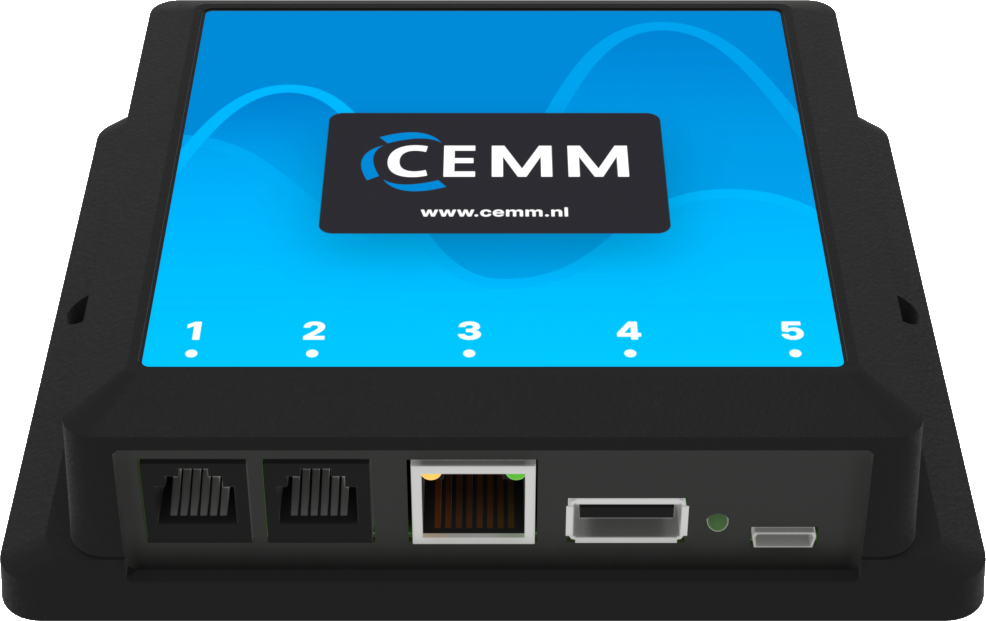
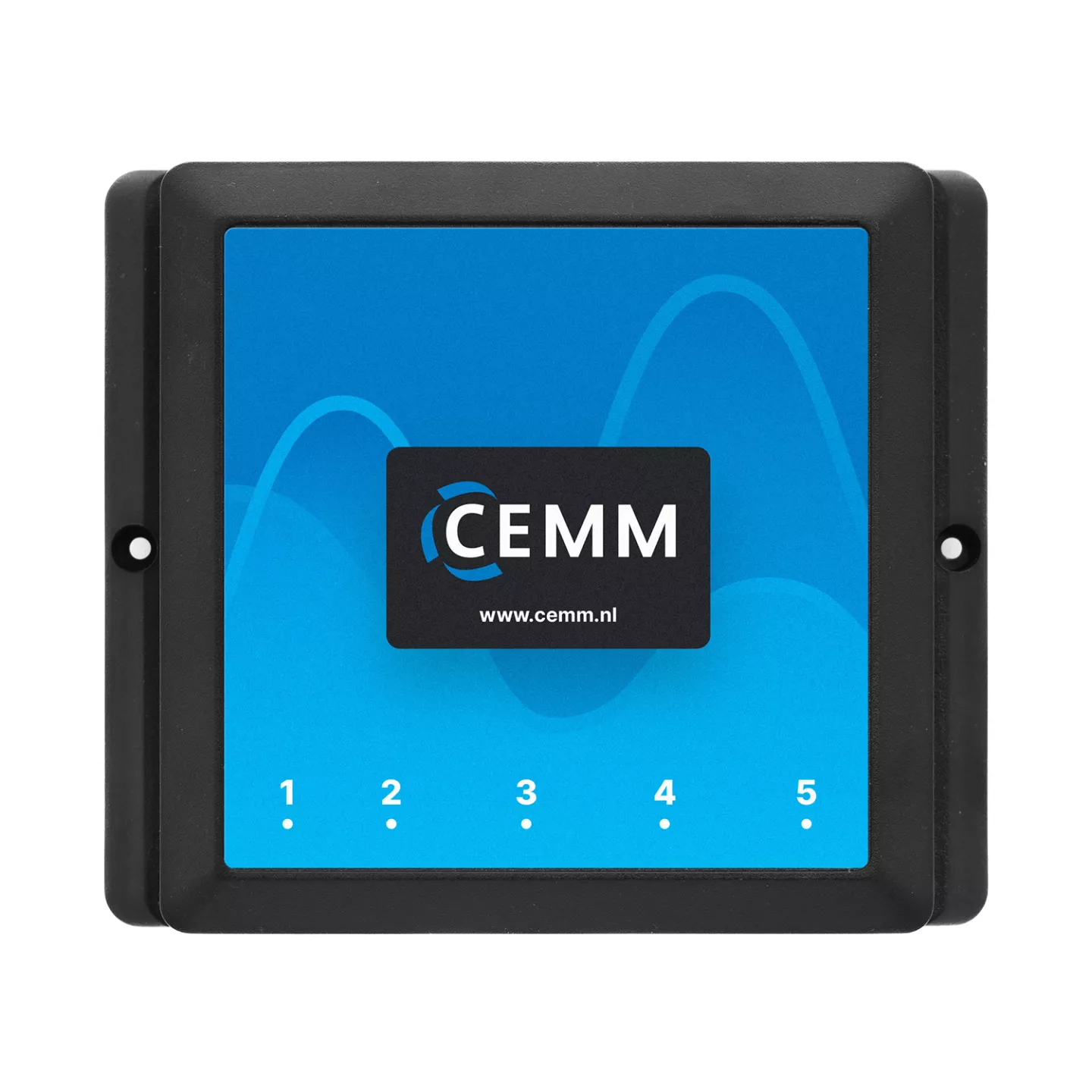
CEMM 3.0 Energy monitor

P1 cable, ethernet cable and power supply included.

Order now
1 licence Webhooks module

Activation code for webhooks software module

Adds webhooks feature to the CEMM.

Order now

Installation

CEMM ports

Port 3

CEMM port 3

Port 3 of the CEMM is the network connection. This is used to connect the CEMM to a router or switch via an Ethernet cable. An internet connection is essential for using webhooks, as the data is sent over the internet to your web server.

Tip: Is your router too far away and running a cable not an option? Use a WiFi range extender with an Ethernet port to connect the CEMM to the internet via WiFi.

Port 5

CEMM port 5

Port 5 is for powering the CEMM. Plug the included power adapter into a wall socket and connect the micro USB connector to port 5.