
House with solar panels and consumers

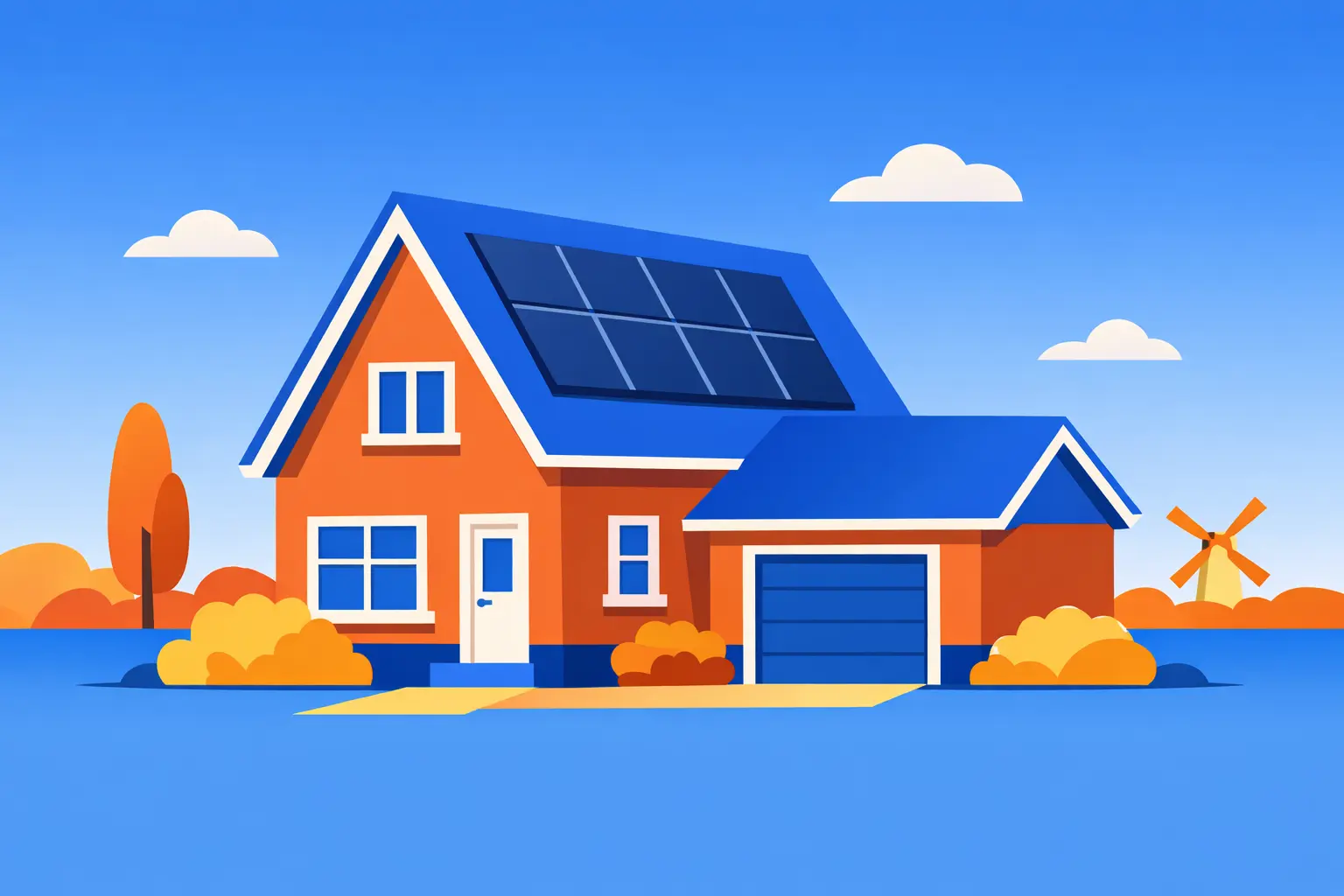
Peter has a house with eight solar panels on the roof. He has a smart meter with a P1 port, which records his energy consumption and feed-in, as well as his gas usage. Finally, there's an analog water meter. Peter would like to see how much energy he consumes and feeds back, his own consumption (both gas and electricity), the energy generated by his solar panels, and his water consumption.
Woonhuis met zonnepanelen

Supplies

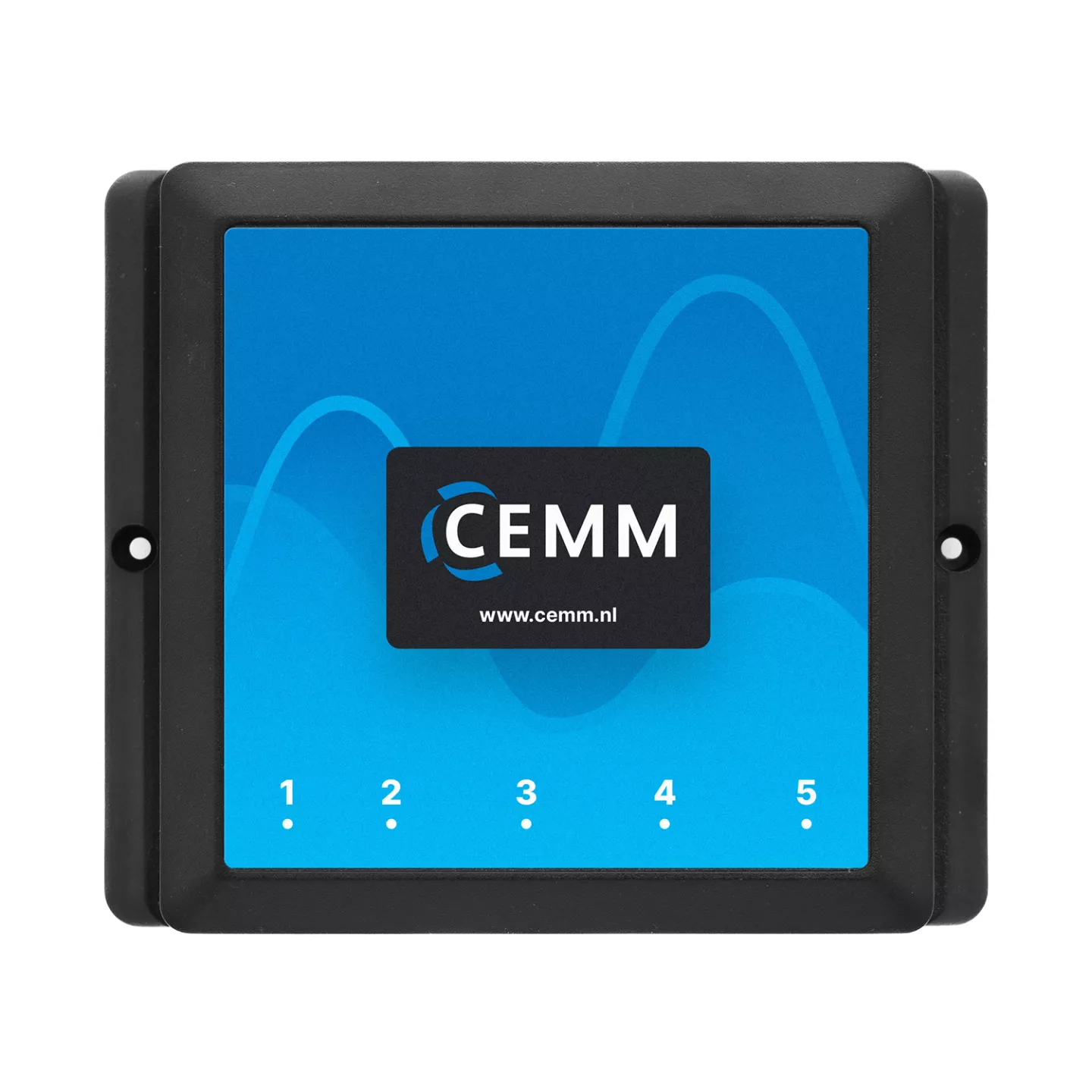
  CEMM 3.0

CEMM 3.0 Energy monitor

P1 cable, ethernet cable and power supply included.

Order now
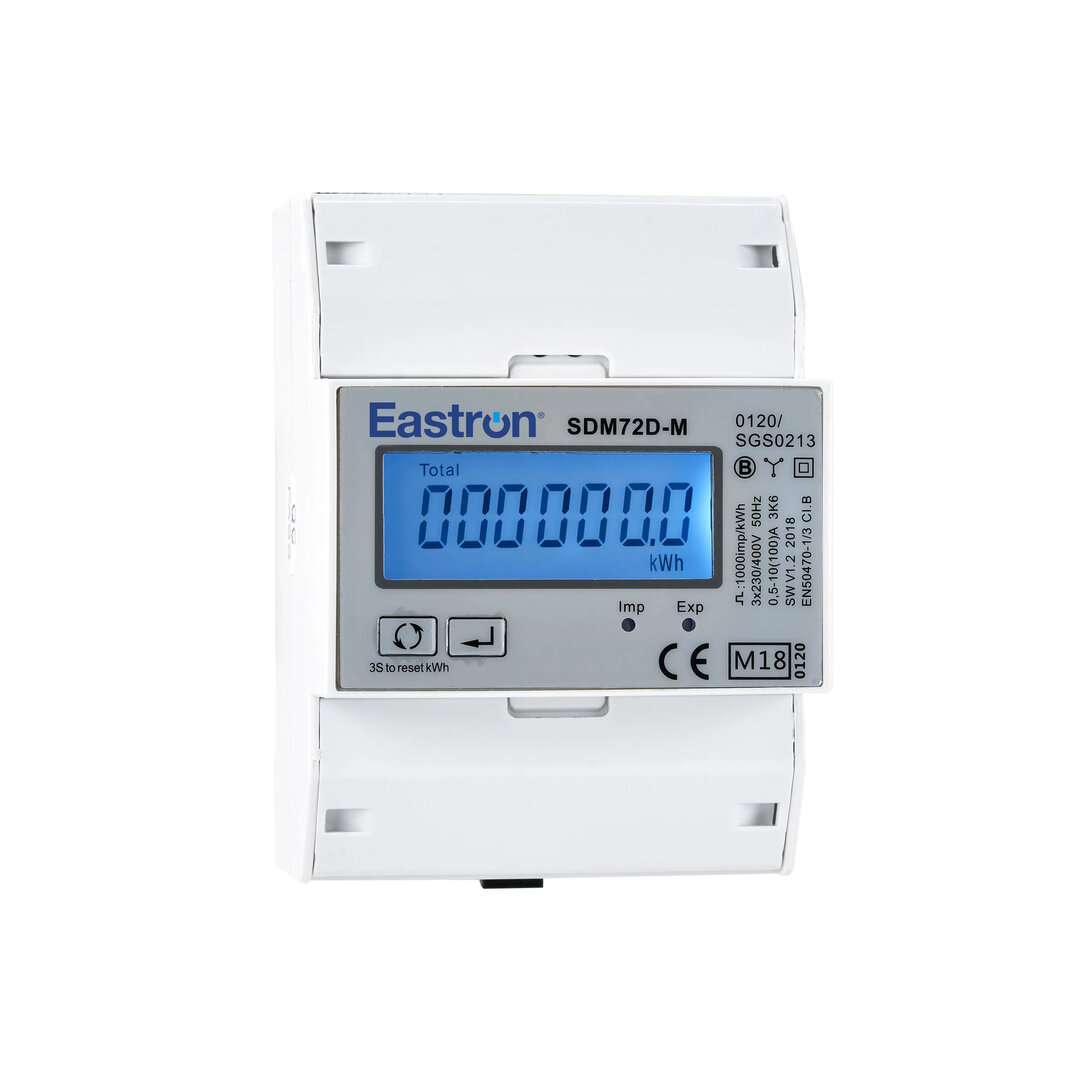
1 piece(s) Eastron SDM72D

Eastron SDM72D

3-phase kWh-meters with pulse output (S0)

Order now
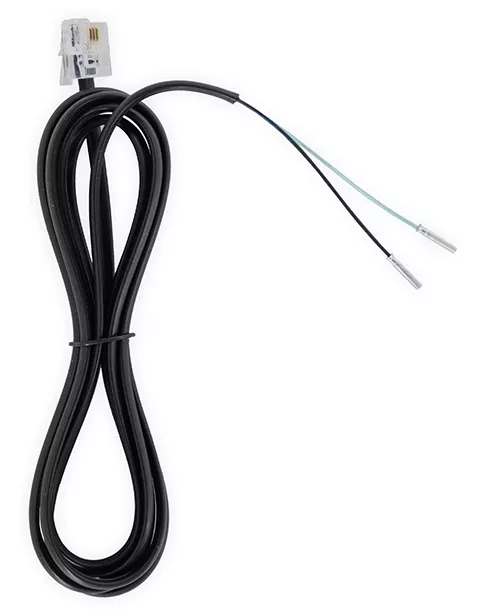
1 piece(s) S0 puls kabel

S0 pulse cable

Cable for connecting a pulse meter to the CEMM

Order now
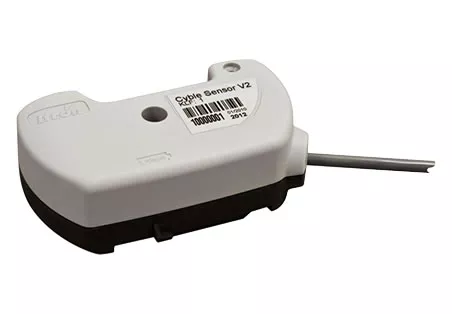
1 piece(s) Itron Cyble Sensor V2

Itron Cyble Sensor V2

Pulse sensor for Itron or Aquadis watermeters

Order now
1 piece(s) S0 splitter

S0 splitter

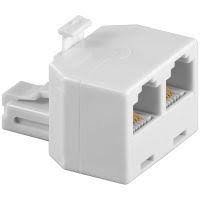
For connecting two meters to port 1 of the CEMM.

Order now

Installation

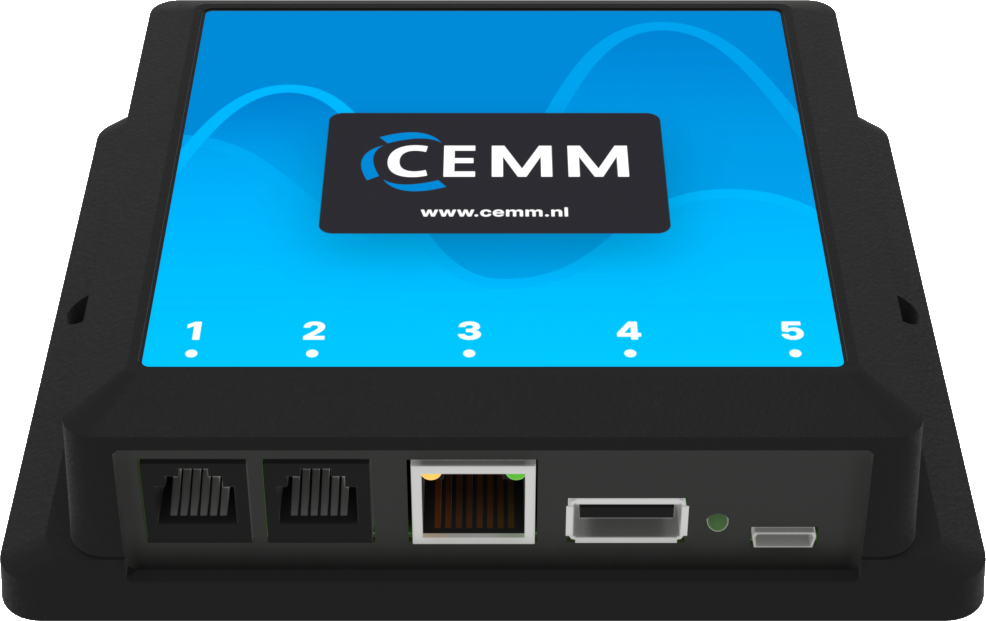
To view the desired data, Peter's electrician installs a 3-phase kWh meter on the circuit for his solar panels in the meter box. Peter attaches a pulse generator to his water meter and connects the smart meter via the P1 port. See below how the components are connected to the CEMM and to which port. If a port is not clickable, it is not used in this scenario.
CEMM ports

Port 1

CEMM port 1

In this scenario, two pulse meters are connected in addition to the smart meter. Ports 1 and 2 are suitable for this, but in this case, a third port is required. However, port 1 can be expanded with the S0 splitter, allowing the smart meter and one of the pulse meters to be connected simultaneously to this port. In this case, we choose to connect the Itron Cyble Sensor for the water meter to port 1 along with the smart meter.

The components are connected as follows:

  • Port 1: S0 Splitter
  • Splitter port 1.1: Smart meter
  • Splitter port 1.2: Itron Cyble Sensor

Port 2

CEMM port 2

Port 2 of the CEMM is suitable for one pulse meter. In this situation, a 3-phase kWh meter with a pulse output is installed in the meter box, which measures the production of the solar panels. This kWh meter is connected to port 2 with the S0 pulse cable.

Port 3

CEMM port 3

Port 3 of the CEMM is the network port. This connects the CEMM to a router or switch using a network cable. 

Tip: Is your router too far away and you can't run a cable? Use a WiFi Range Extender with a network port to connect the CEMM to the internet via WiFi.

Port 5

CEMM port 5

Port 5 is for powering the CEMM. Plug the included power adapter into a wall socket and connect the micro USB connector to port 5.