
A small office building

Oscar owns a commercial property with a small-scale energy connection (smart meter with a P1 port). There are 3-phase solar panels on the roof, a charging station, and a heat pump for cooling and heating (both 3-phase). Oscar would like to monitor all these systems and the main connection. He also wants to monitor the temperature to see the effect of the outside temperature and insulation measures on the heat pump's energy consumption.

Klein bedrijfspand

Supplies

  CEMM 3.0

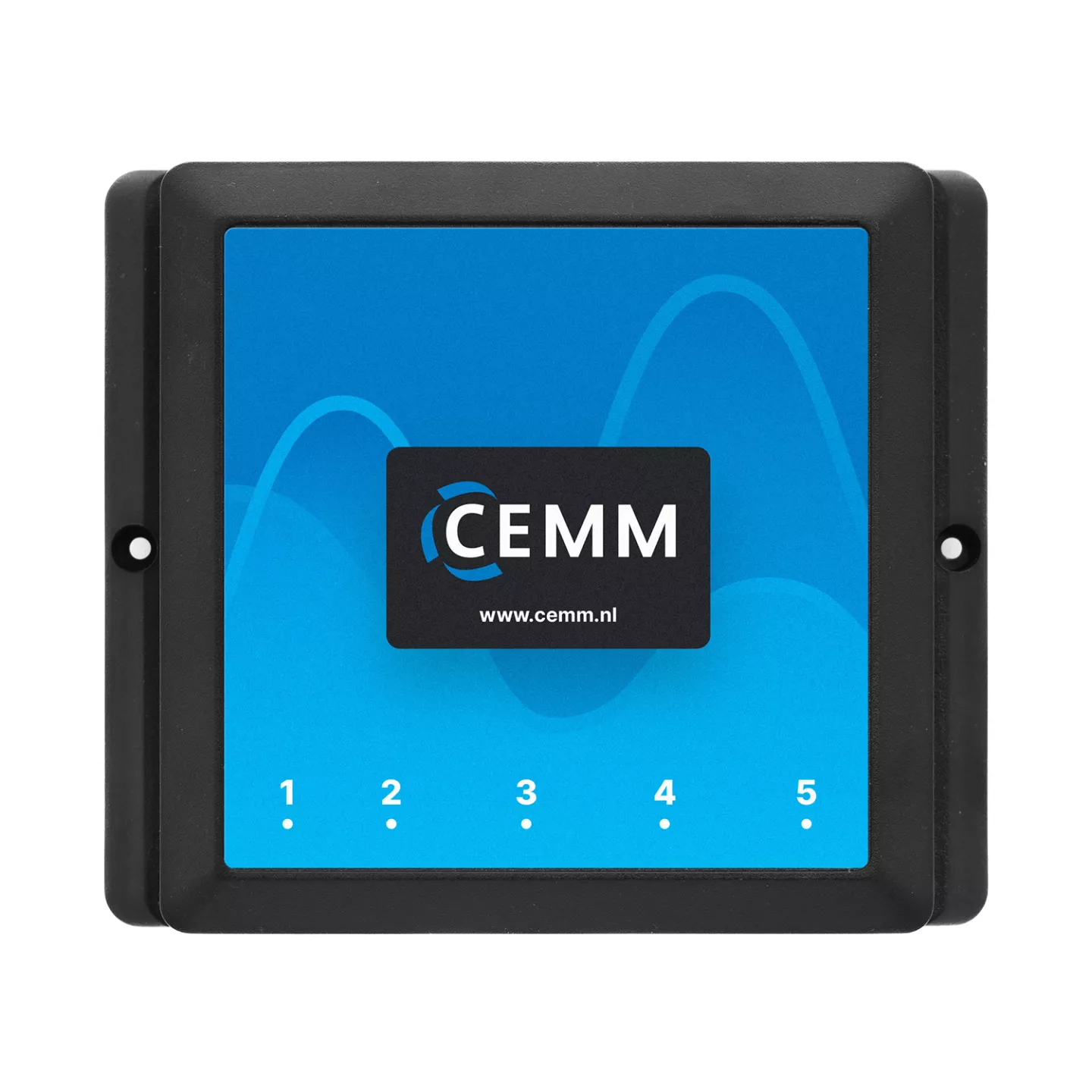
CEMM 3.0 Energy monitor

P1 cable, ethernet cable and power supply included.

Order now
1 license Activatiecode Module Modbus RTU Eastron

Activation code for Eastron modbus RTU software module

Adds support for Eastron kWh-meters via Modbus RTU.

Order now
1 license Activatiecode Module Teracom

Activation code for Teracom software module

Adds support for Teracom sensors via Modbus RTU.

Order now
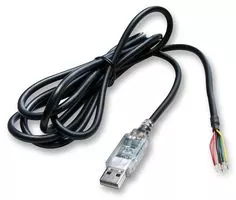
1 piece(s) Modbus converter (RS485) met 5V voeding

Modbus convert (RS485) with 5V power supply

Modbus convert (RS485) with 5V power supply, 1.8m

Order now
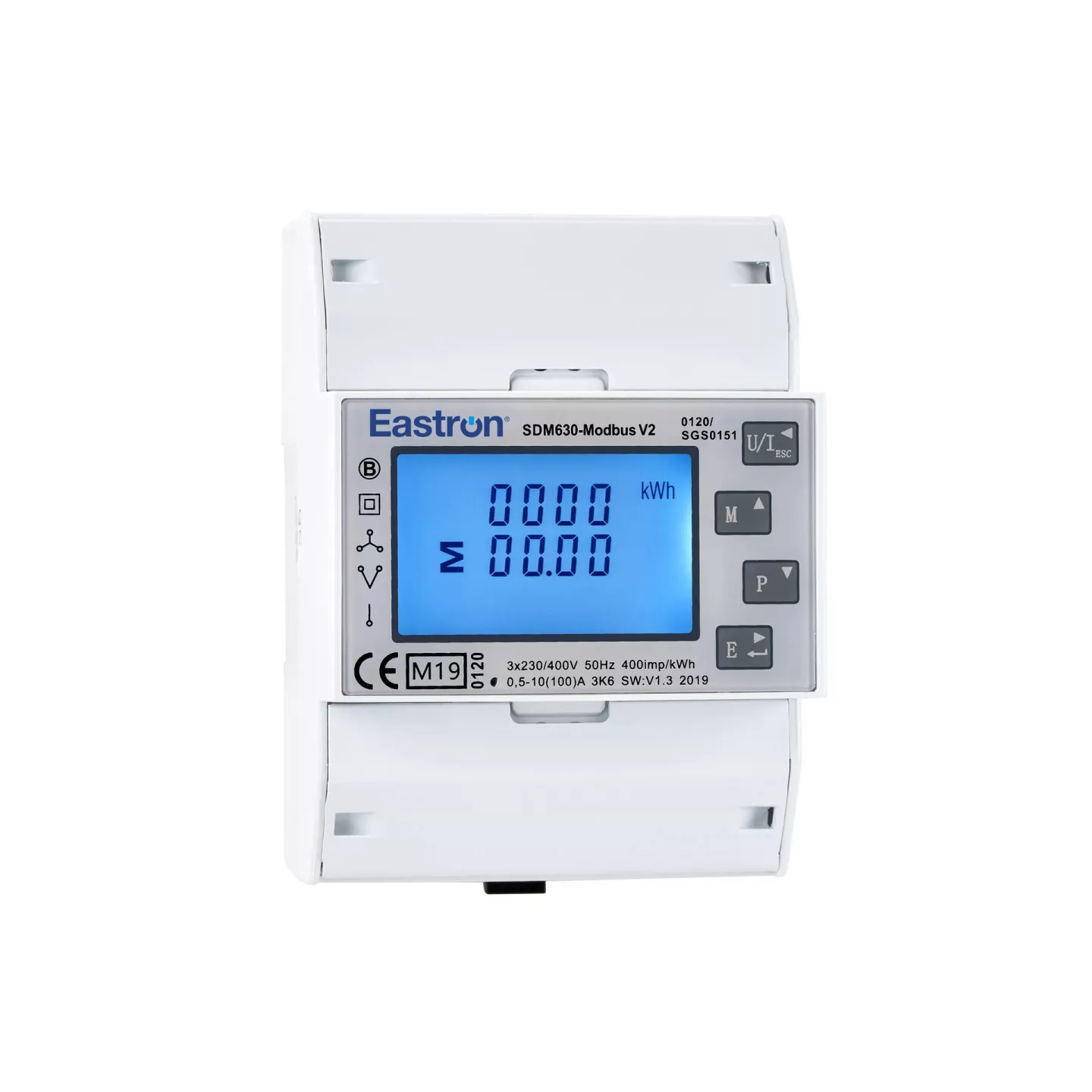
3 piece(s) Eastron SDM630-Modbus

Eastron SDM630-Modbus

3-phase kWh-meters with Modbus RTU (RS485)

Order now
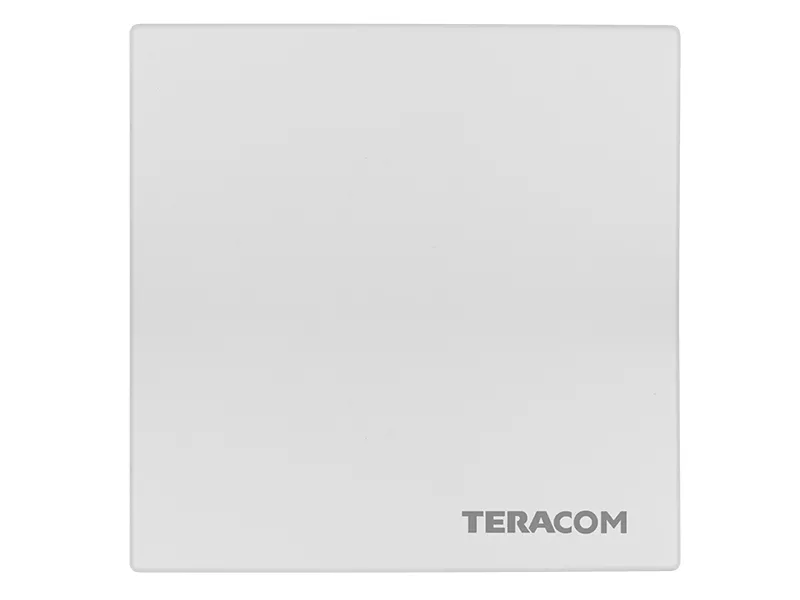
2 piece(s) Teracom temperatuur en luchtvochtigheid sensor

Teracom temperature and humidity sensor

The Teracom TSM400-4-TH is a humidity and temperature sensor that supports the Modbus RTU protocol via the RS-485 interface.

Order now

Installation

To access the desired data, Oscar equips the solar panel, charging station, and heat pump groups with 3-phase kWh meters. The smart meter is read via the P1 port. A temperature sensor is installed in two different locations within the building. See below how the components are connected to the CEMM and to which port. If a port is not clickable, it is not used in this scenario.
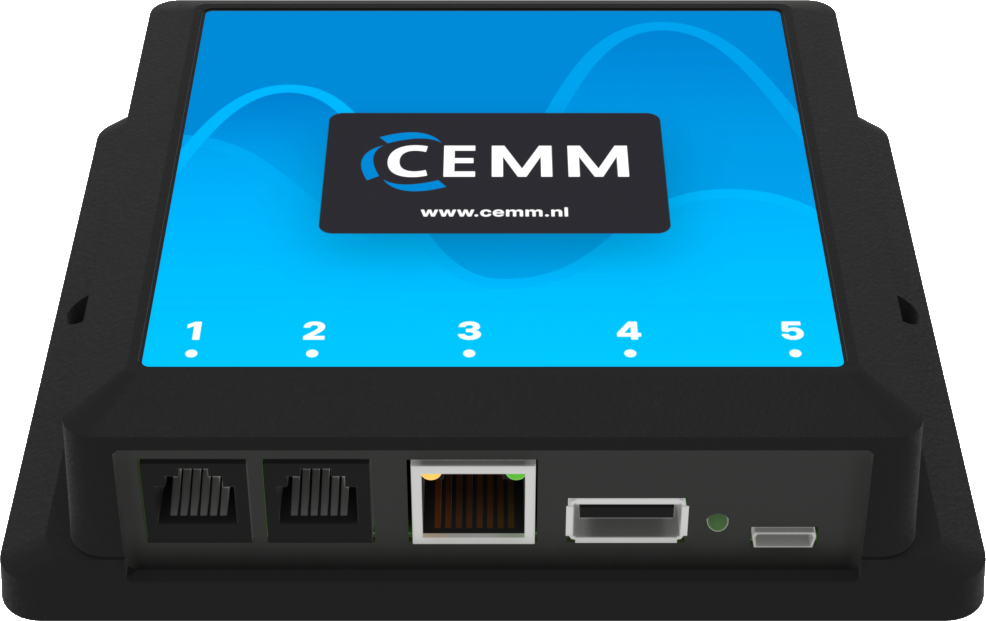
CEMM ports

Port 1

CEMM port 1

Port 1 of the CEMM is suitable for the smart meter. The supplied P1 cable is therefore connected to the P1 port of the smart meter and to port 1 of the CEMM.

Port 3

CEMM port 3

Port 3 of the CEMM is the network port. This connects the CEMM to a router or switch using a network cable. 

Tip: Is your router too far away and you can't run a cable? Use a WiFi Range Extender with a network port to connect the CEMM to the internet via WiFi.

Port 4

CEMM port 4

The CEMM's USB port is used to connect the Modbus converter. The other end of the Modbus converter has four wires: two for power and two for data (A and B). Both the three Modbus kWh meters and the two temperature sensors are connected in series to these A and B wires. The two power wires are only required for the temperature sensors.

Port 5

CEMM port 5

Port 5 is for powering the CEMM. Plug the included power adapter into a wall socket and connect the micro USB connector to port 5.