
A large commercial building

Emma works at a large company and is responsible for everything related to energy. To gain maximum insight into the energy flows within the building, she wants to equip all major circuits and sub-distributions with kWh meters. The building has three floors, each with its own meter. In addition, she wants to monitor the production of the solar panel system, the consumption of the EV charging area, and various other small and large loads. In total, this amounts to 12 sub-meters.

The main connection of 250A is not equipped with a smart meter with a P1 port. Therefore, an indirect kWh meter is used in combination with 250A current transformers to read the data. To monitor the total gas and water consumption, two pulse sensors are used, which are installed on the meters.

cemm

Supplies

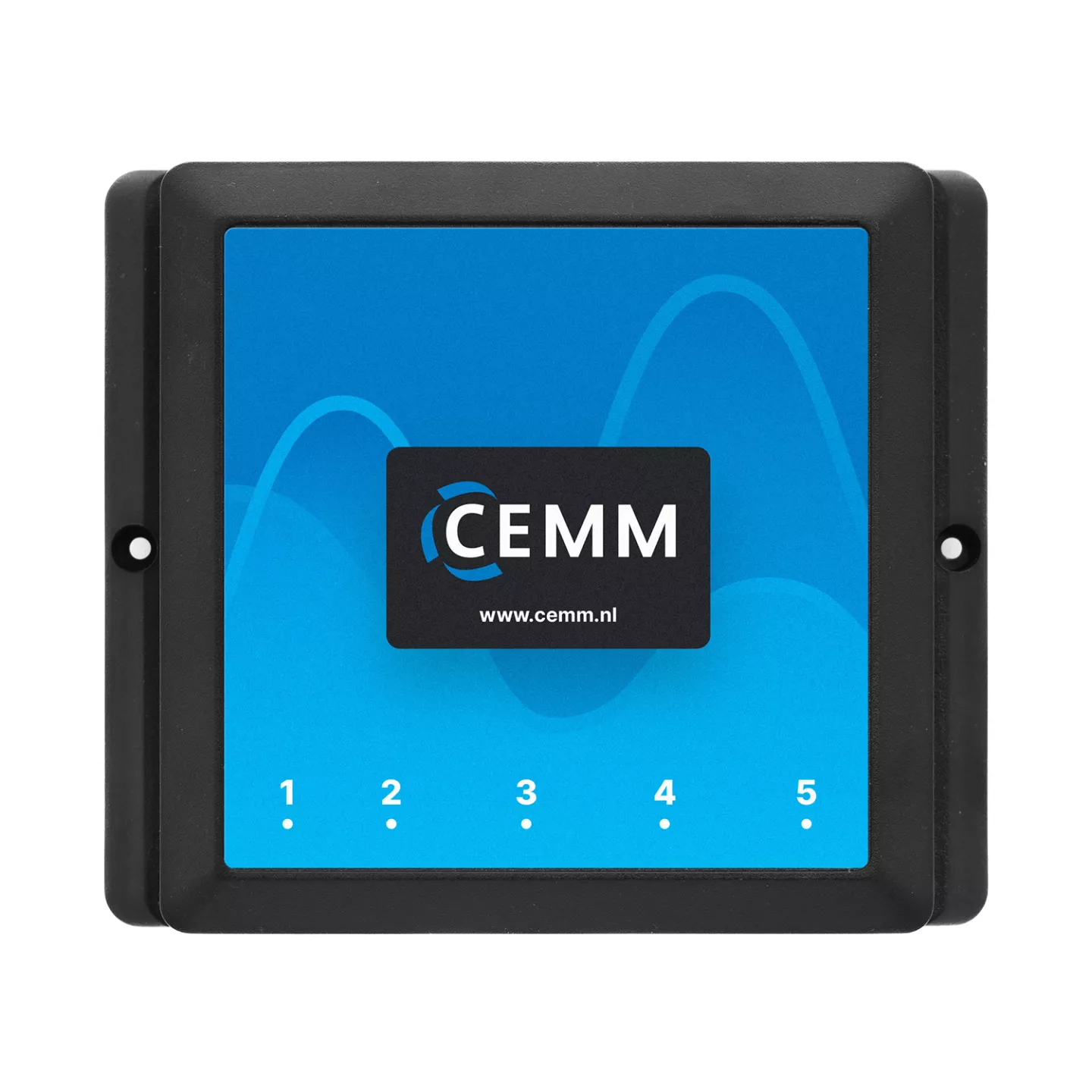
1 piece(s) CEMM 3.0

CEMM 3.0 Energy monitor

P1 cable, ethernet cable and power supply included.

Order now
1 licence Activatiecode Module Modbus RTU Eastron

Activation code for Eastron modbus RTU software module

Adds support for Eastron kWh-meters via Modbus RTU.

Order now
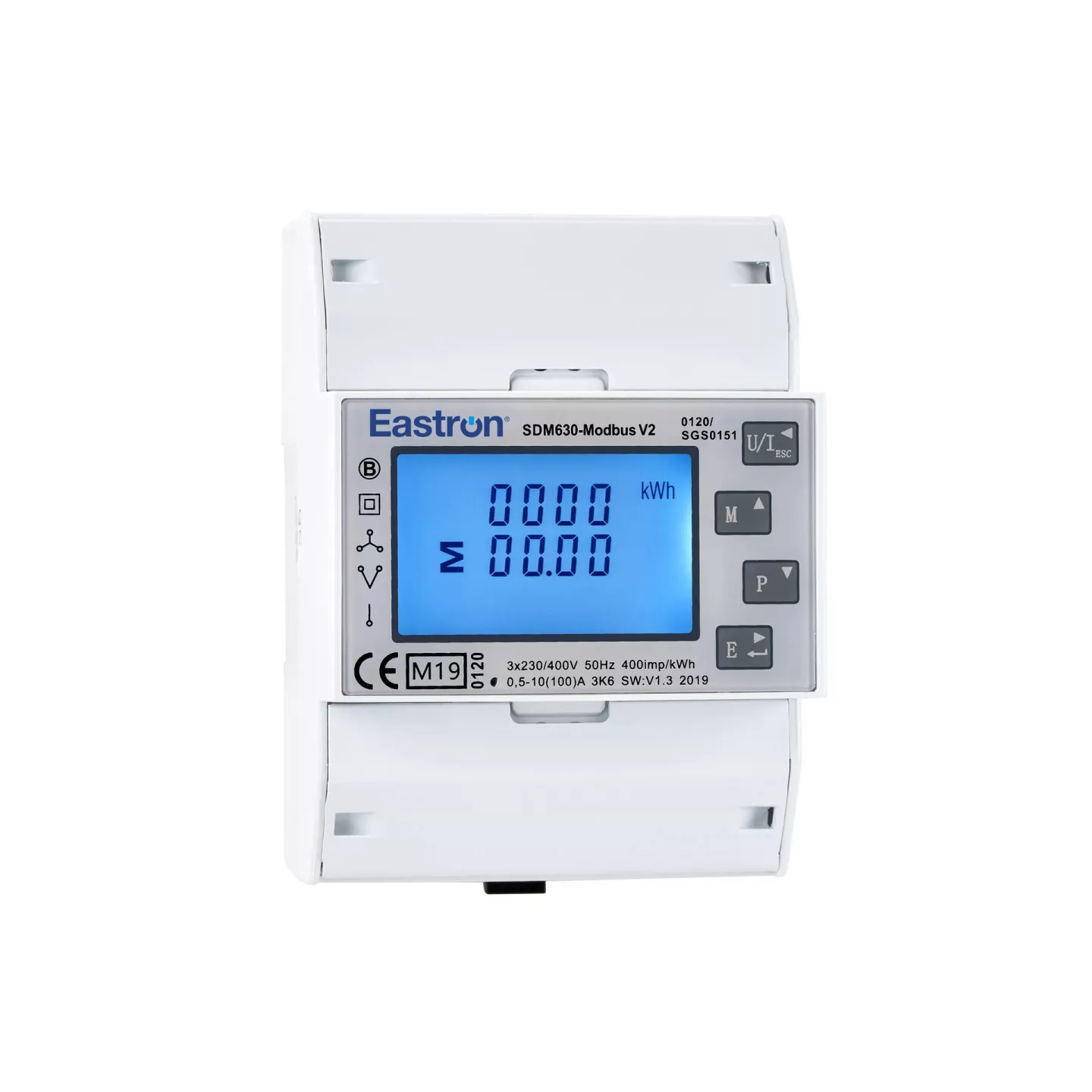
12 piece(s) Eastron SDM630-Modbus

Eastron SDM630-Modbus

3-phase kWh-meters with Modbus RTU (RS485)

Order now
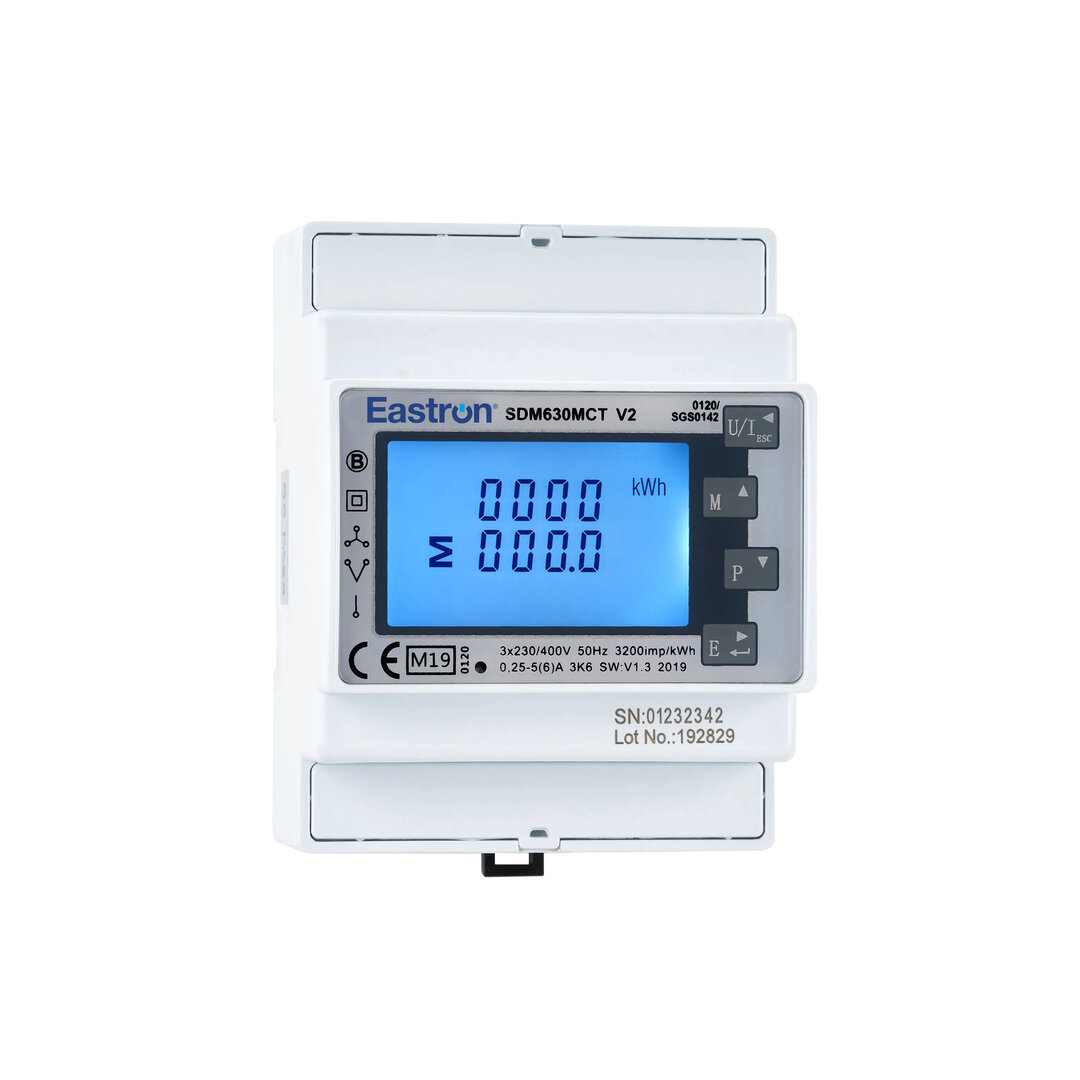
1 piece(s) Eastron SDM630-Modbus CT

Eastron SDM630-Modbus CT

Indirect 3 phase kWh-meter with Modbus RTU (RS485)

Order now
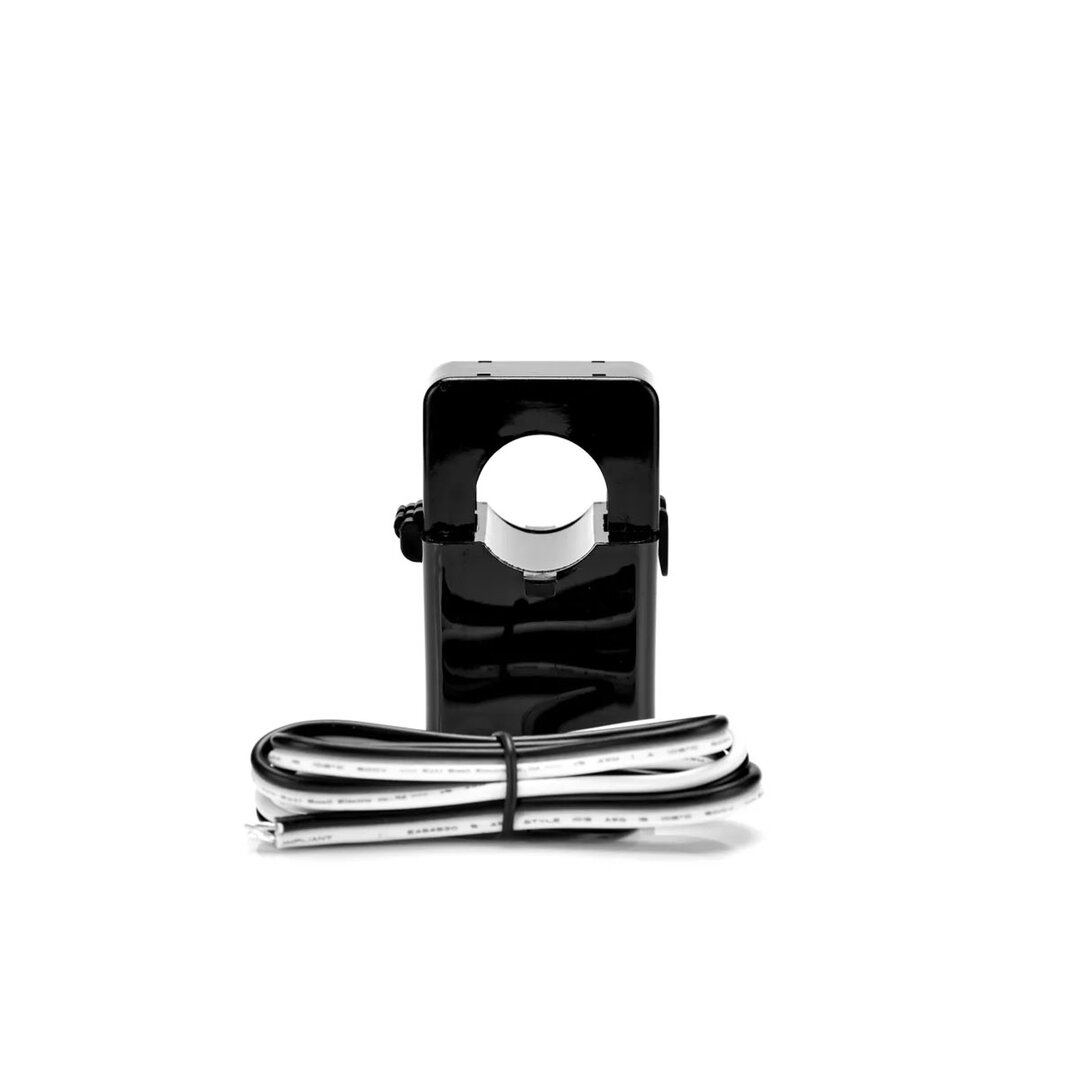
3 piece(s) Eastron ESCT-T24 Stroomtrafo 250/5A

Eastron ESCT-T24 Current transformer 250/5A

Current transformer for currents of max 250A

Order now
per meter RS485 Modbus Kabel 1pr

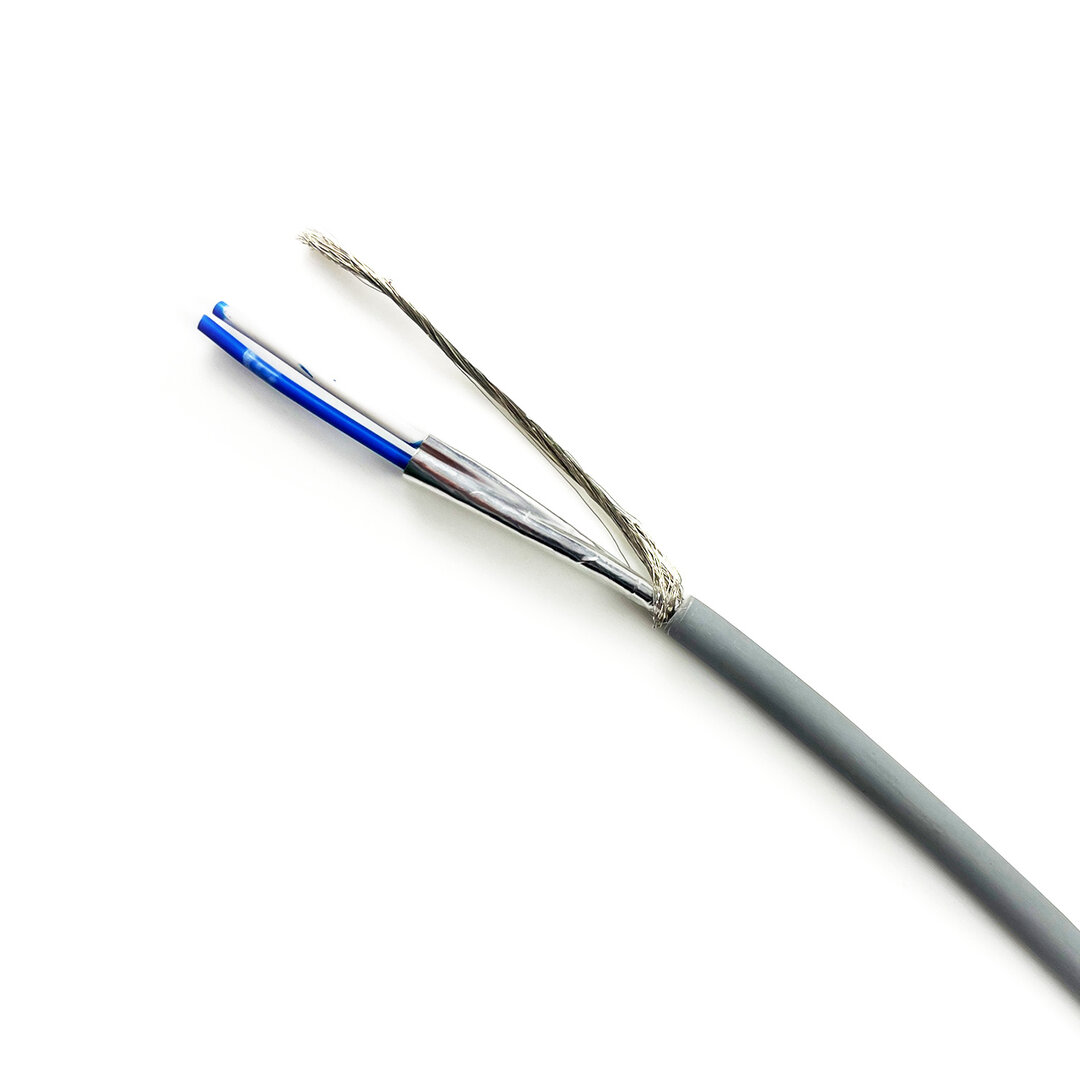
RS485 Modbus cable 1 pair

To connect kWh-meters to the CEMM.

Order now
1 piece(s) Cedel USB naar RS485 Modbus Converter Lite

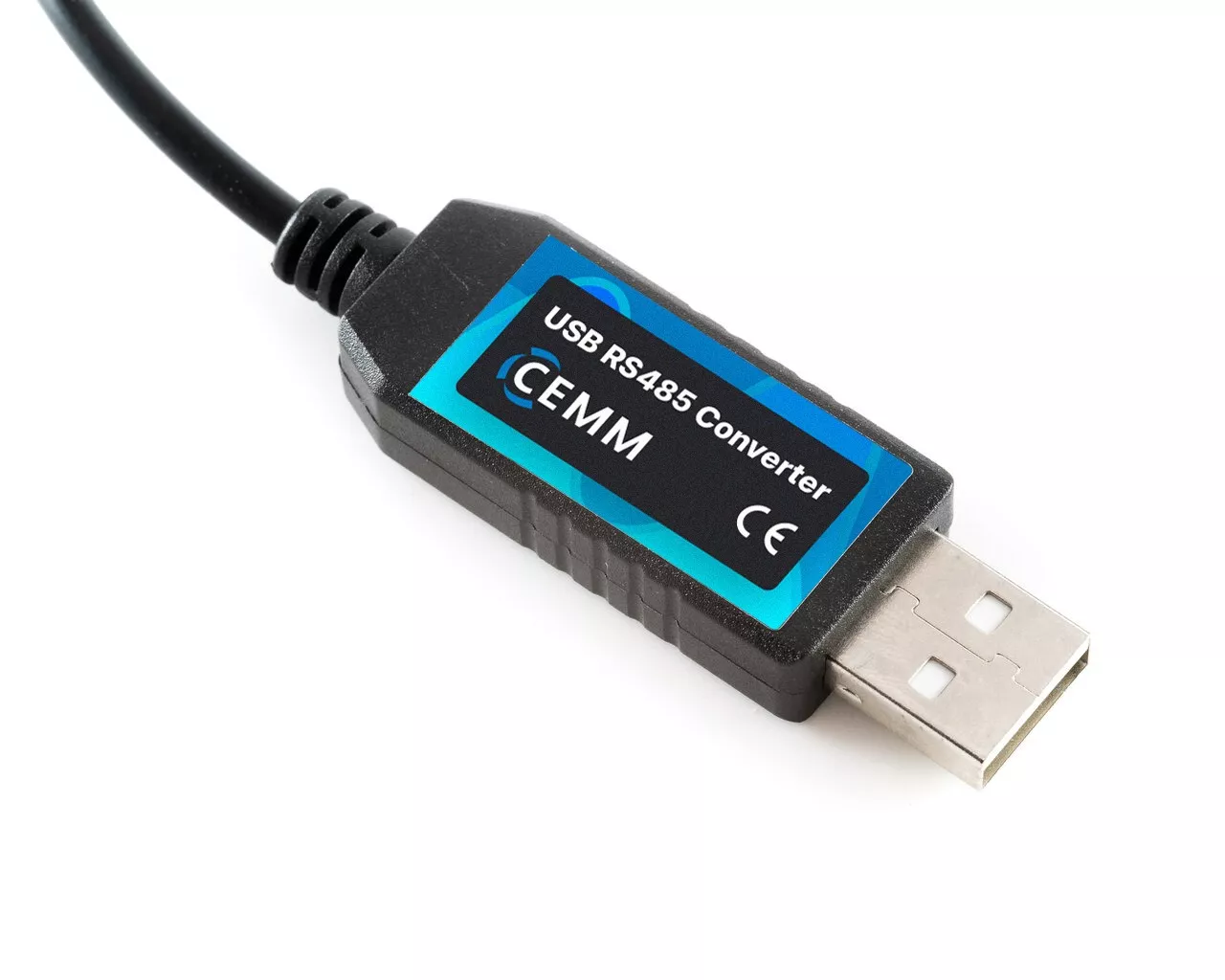
Modbus Converter

For connecting Modbus RTU (RS485) to the CEMM.

Order now
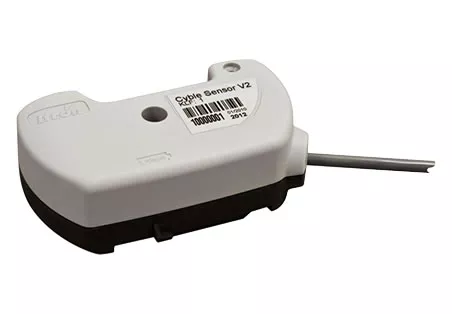
2 piece(s) Itron Cyble Sensor V2

Itron Cyble Sensor V2

Pulse sensor for Itron or Aquadis watermeters and Itron gasmeters

Order now

Installation

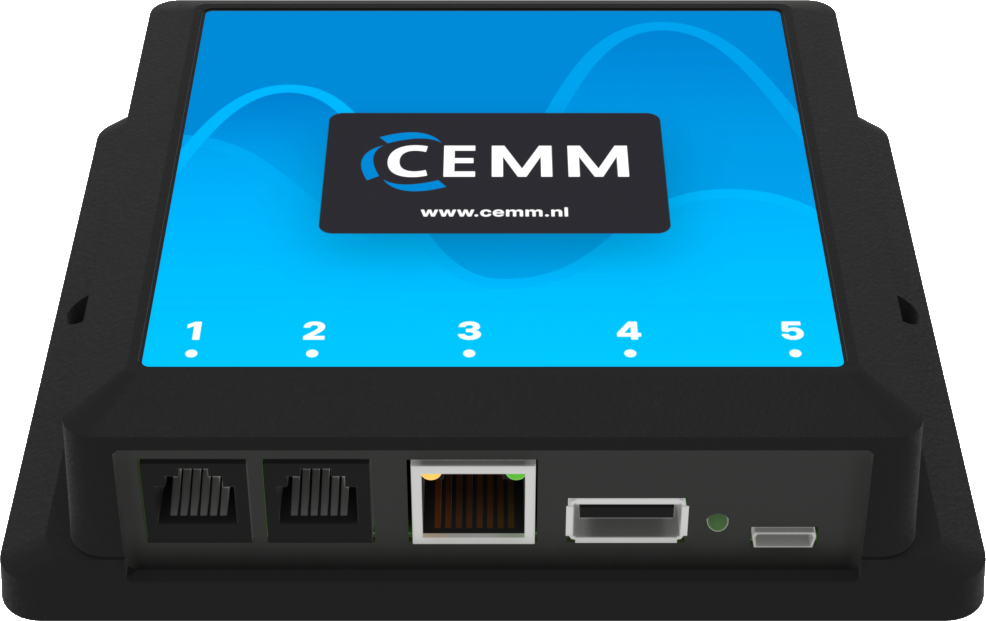
Emma has a direct 3-phase kWh meter installed on all 12 circuits she wants to monitor. For the 250A main connection, an indirect kWh meter is used in combination with three current transformers. All kWh meters are interconnected and connected to the USB port of the CEMM 3.0 via an RS485 converter. The pulse sensors for gas and water are connected to ports 1 and 2.
CEMM ports

Port 1

CEMM port 1

Port 1 of the CEMM supports both P1 and S0 (pulse). In this scenario, one of the Cyble sensors is connected to this port.

Port 2

CEMM port 2

Port 2 of the CEMM is suitable for S0 (pulse). In this scenario, one of the Cyble sensors is connected to this port.

Port 3

CEMM port 3

Port 3 of the CEMM is the network port. This connects the CEMM to a router or switch using a network cable. 

Tip: Is your router too far away and you can't run a cable? Use a WiFi Range Extender with a network port to connect the CEMM to the internet via WiFi.

Port 4

CEMM port 4

The USB port of the CEMM is used to connect the Modbus converter. On the other end of the Modbus converter, there are two wires (A and B). All 13 kWh meters are connected in series to these A and B lines. A 2-core RS485 cable is used for this connection.

Port 5

CEMM port 5

Port 5 is for powering the CEMM. Plug the included power adapter into a wall socket and connect the micro USB connector to port 5.