

Installing the CEMM
- Mount the CEMM on the wall in the meter cupboard or technical room.
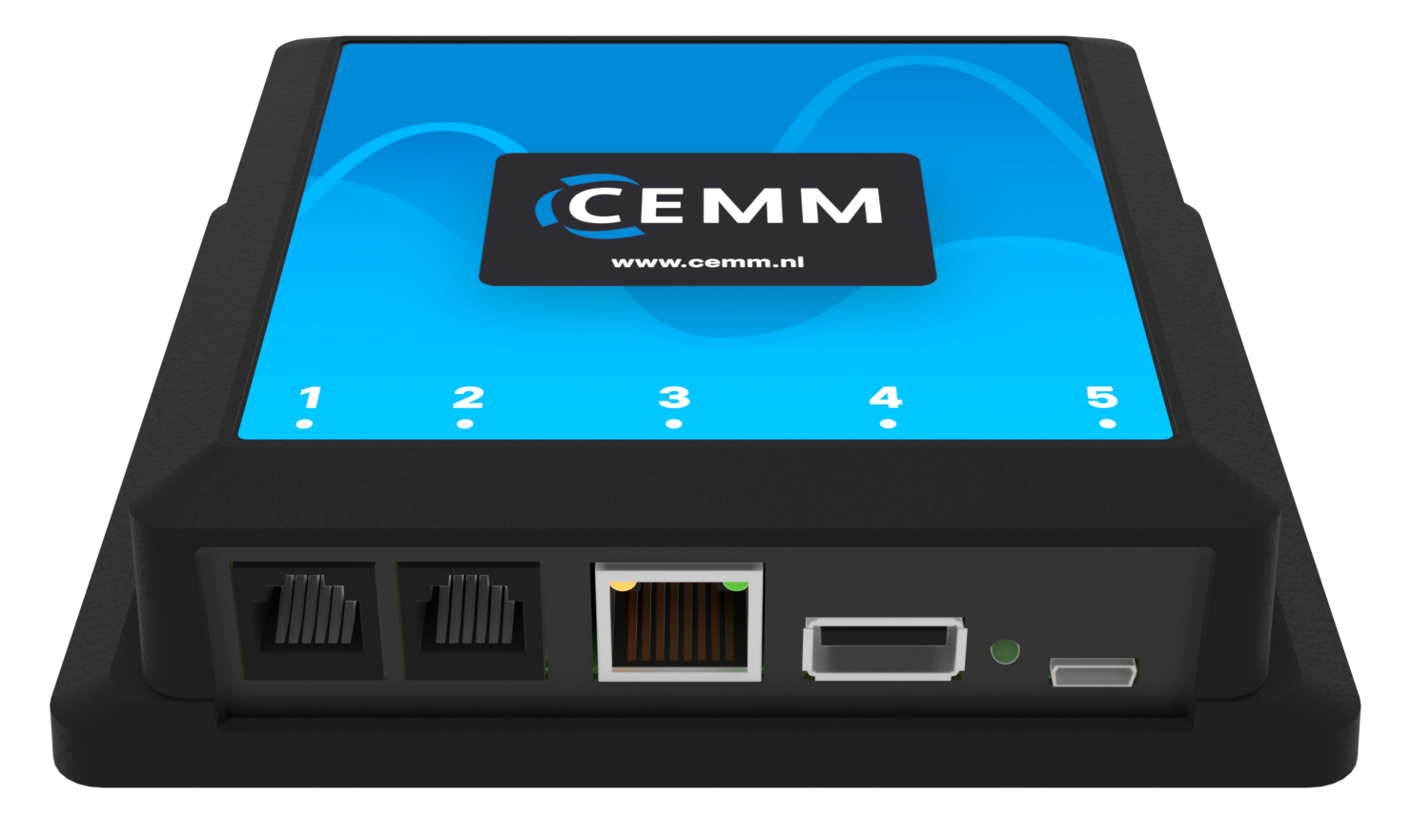
- Connect the network cable between port 3 of the CEMM and your router.
- Connect the power supply to port 5 and plug it into a power socket.
- The CEMM will now start up. This can take a few minutes.
While the CEMM is starting up, you can already begin with the next step.
Problem?The CEMM does not seem to start up
- It can take a few minutes for the CEMM to start up. Check the green LED next to port 5. As long as it stays lit continuously, the CEMM is still starting up.
- The CEMM may have started installing a software update right away. Wait a few minutes.
- If the LED stays off completely, check that the plug is firmly in port 5 and that the power socket has power.
Still stuck? Contact support